Prerequisites
- Before working on this lab, You must have
- A computer running windows 2022 server Domain Controller.
- A Member Server running windows 2022 server or client running windows 10.
Network Topology
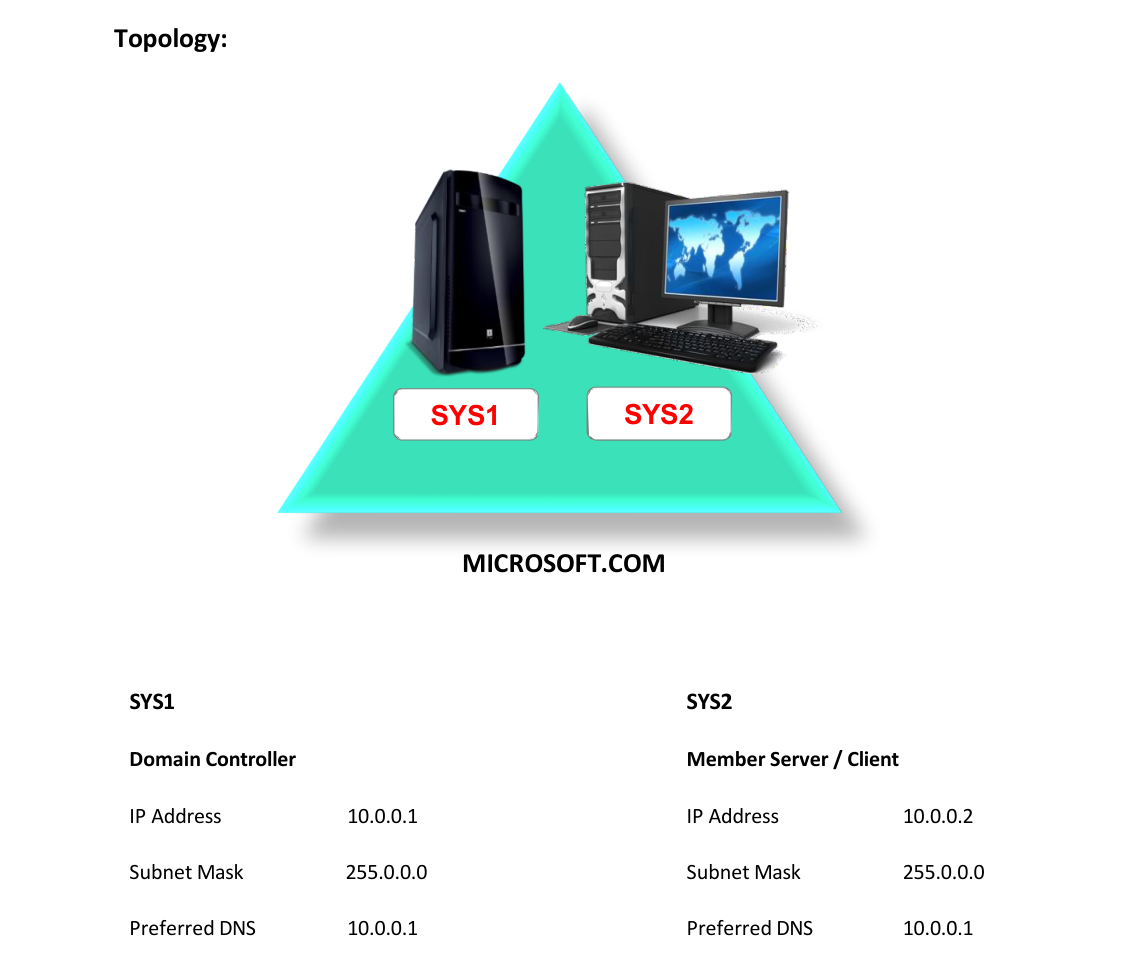
Step-by-Step Instructions
Step 1
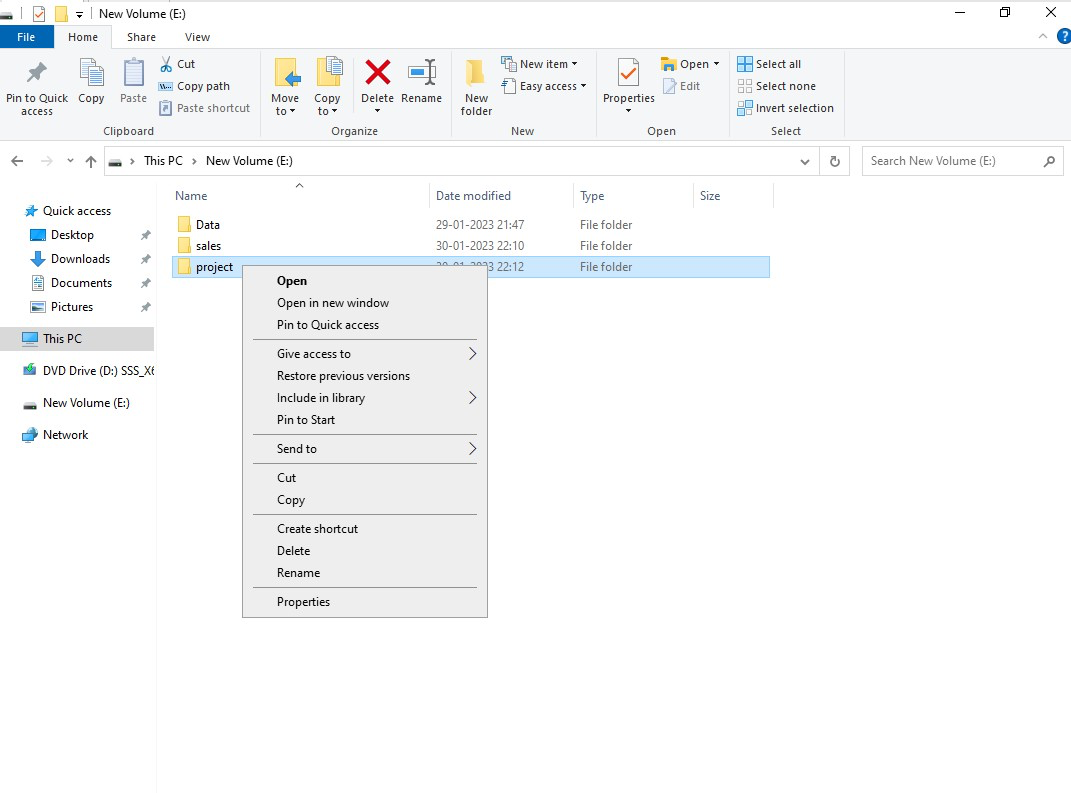
Logon to a SYS1 as Administrator, Open Computer à Open any drive and create a shared folder (Ex: Project) with everyone Read/ Write permissions along with some files in it.
Step 2
Right click on one of the file and select Properties.
Step 3
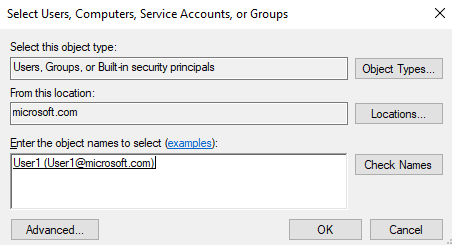
Select Security, click Edit and Add, Enter user1, click OK.
Step 4
Select user1 and set the permission Deny Read, click OK.
Verification
- 1. Logon to Member Server or Client as User (User1).
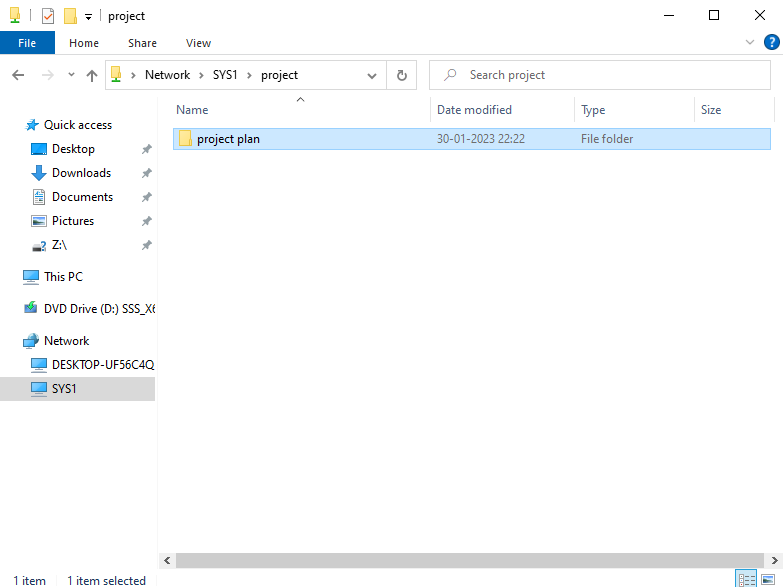
- 2. Open Network Icon, Select SYS1, access the shared folder Project and verify
- for the files present.