Prerequisites
- Before working on this lab, You must have
- A Computer and Windows Server 2022 Operating System DVD.
Step-by-Step Instructions
Step 1
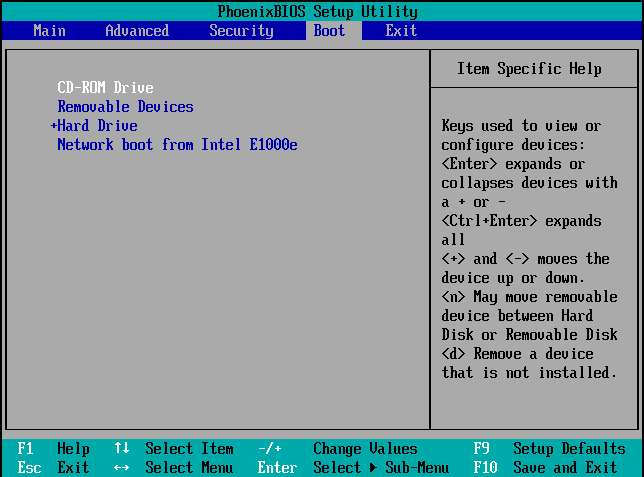
Restart the System and go to BIOS.
Step 2
Set the First Boot Device as DVD ROM.
Step 3
Save the settings by Pressing F10 and click YES.
Step 4
Insert Windows Server 2022 DVD and Restart the system.
Step 5
System copies the files from DVD.

Step 6
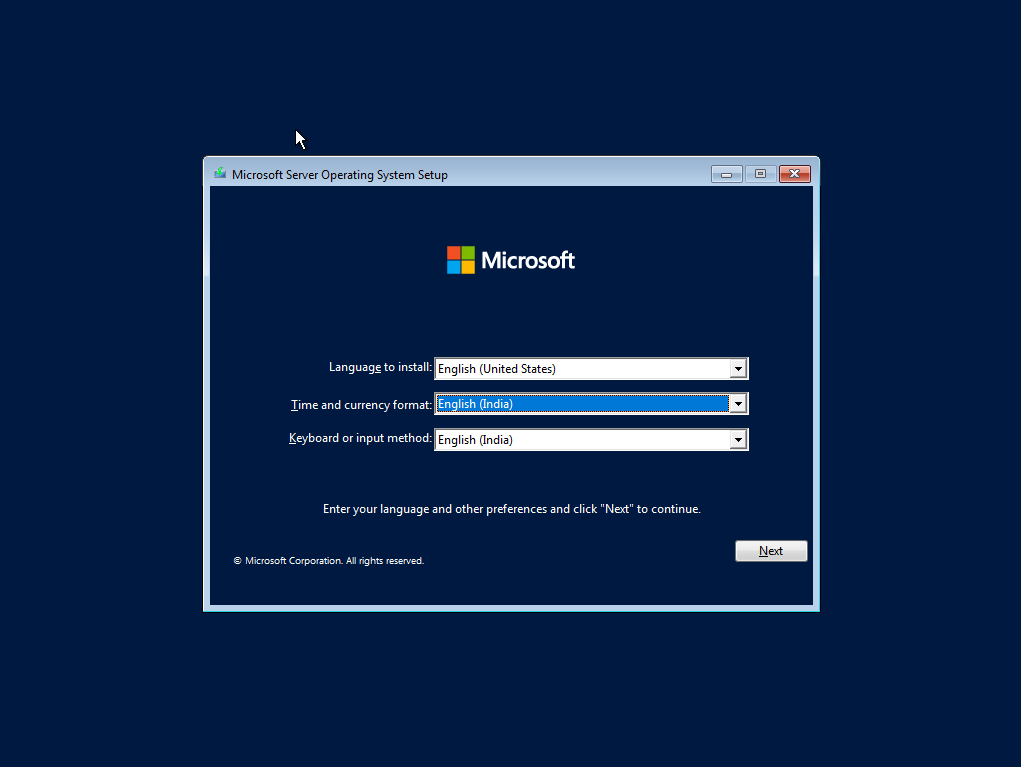
Select the language to install English.
Step 7
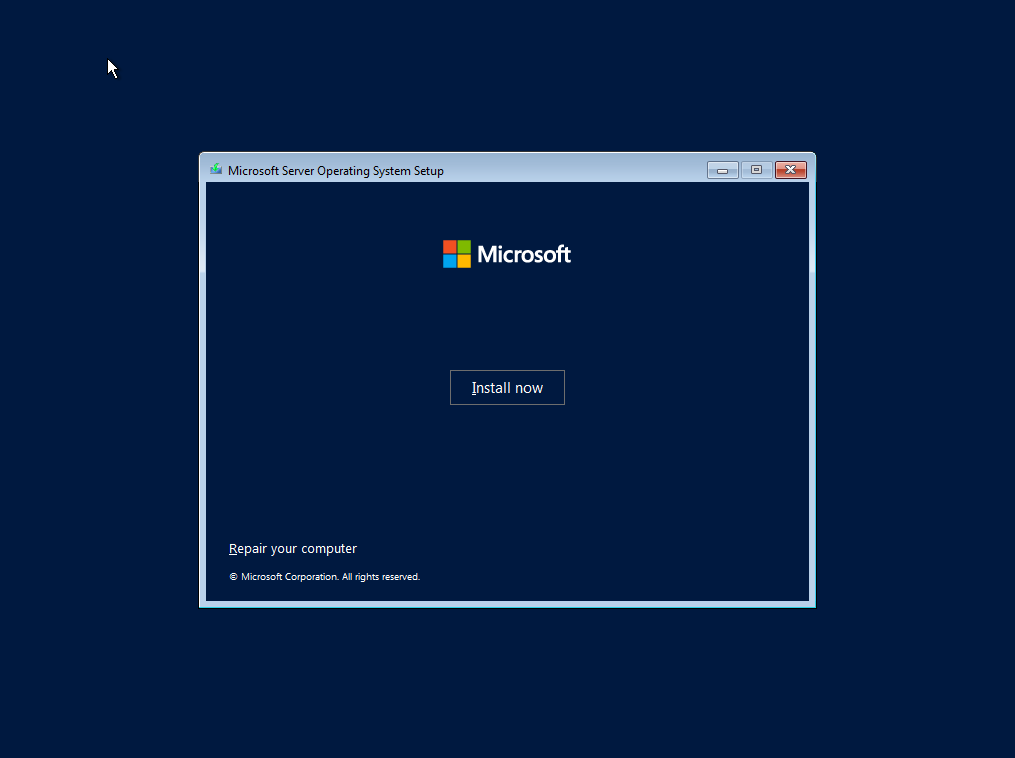
Click Install now.
Step 8
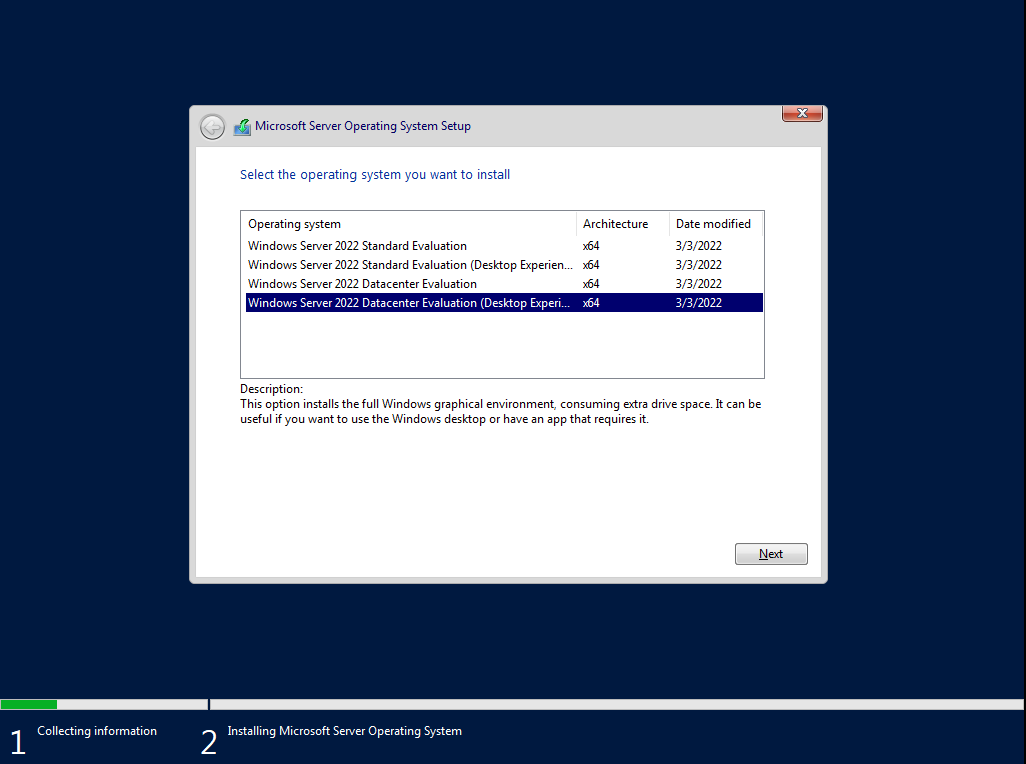
Select the edition Windows Server 2022 Detacenter (Server with a GUI), click Next.
Step 9
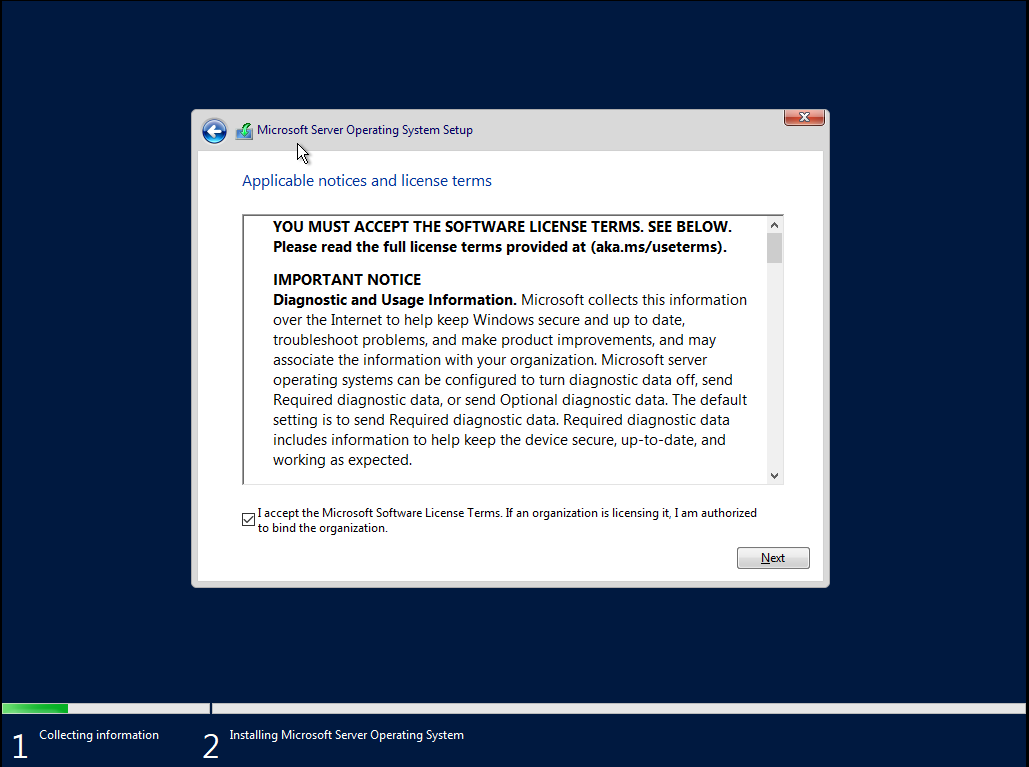
Check the box, I accept the license terms and Click Next.
Step 10
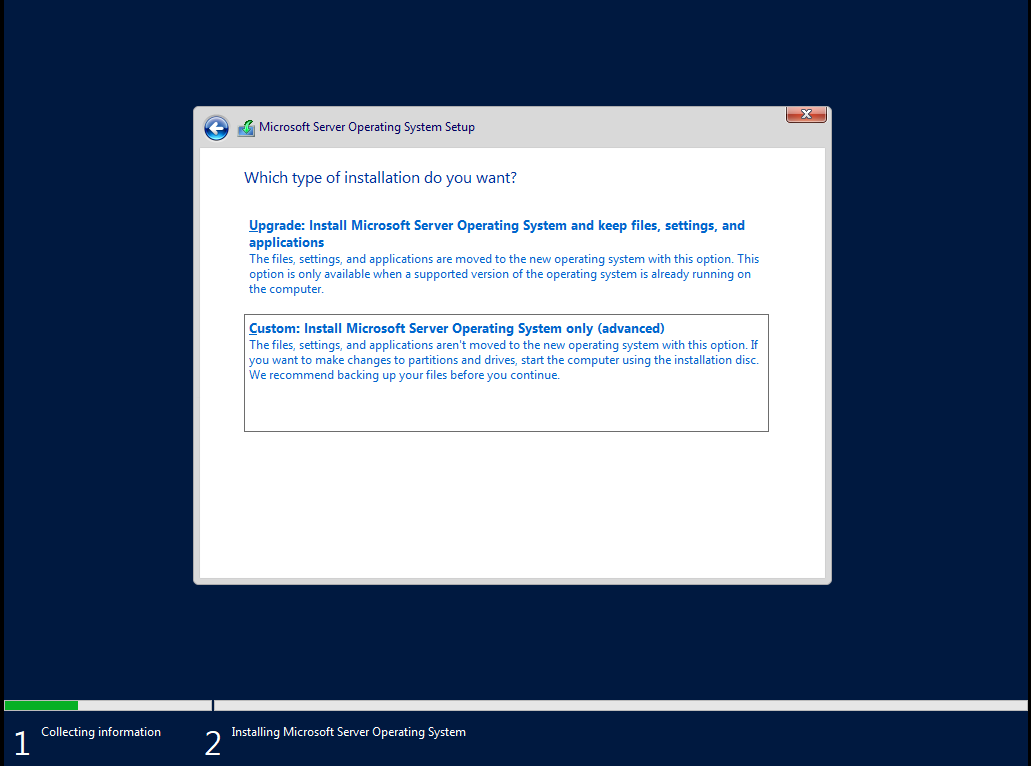
Select Custom Installation.
Step 11
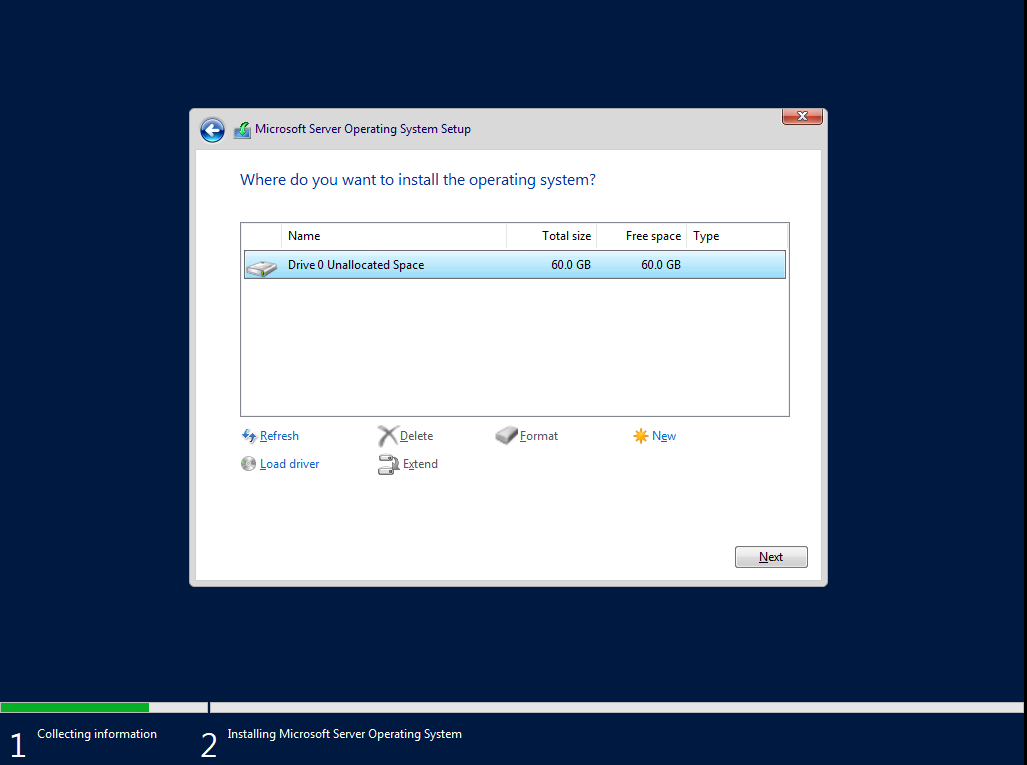
Select Drive And Click Next.
Step 12
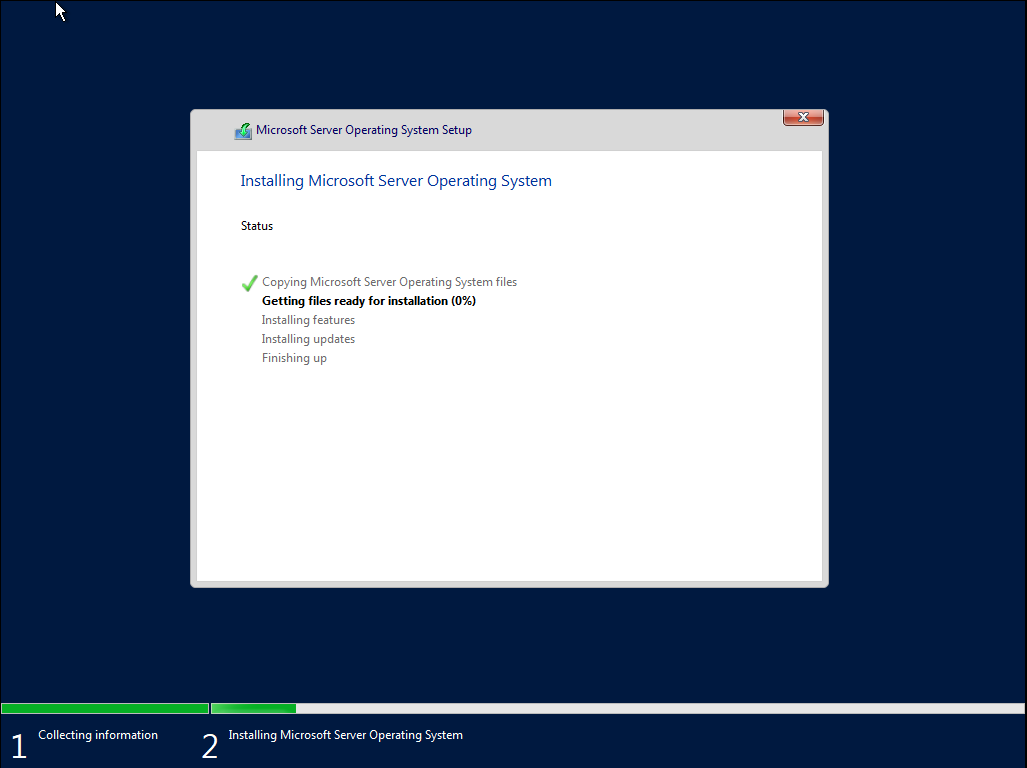
Windows Installation will start.
Step 13
System Restarts.
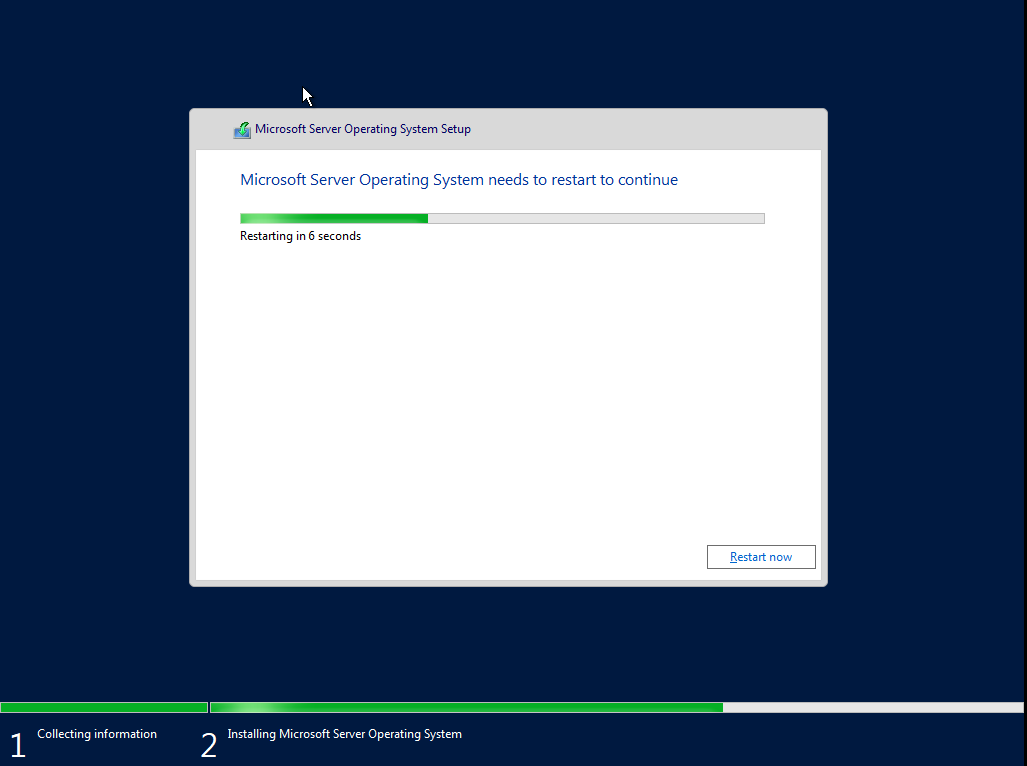
Step 14
Completes the Installation, and system will be restarted.
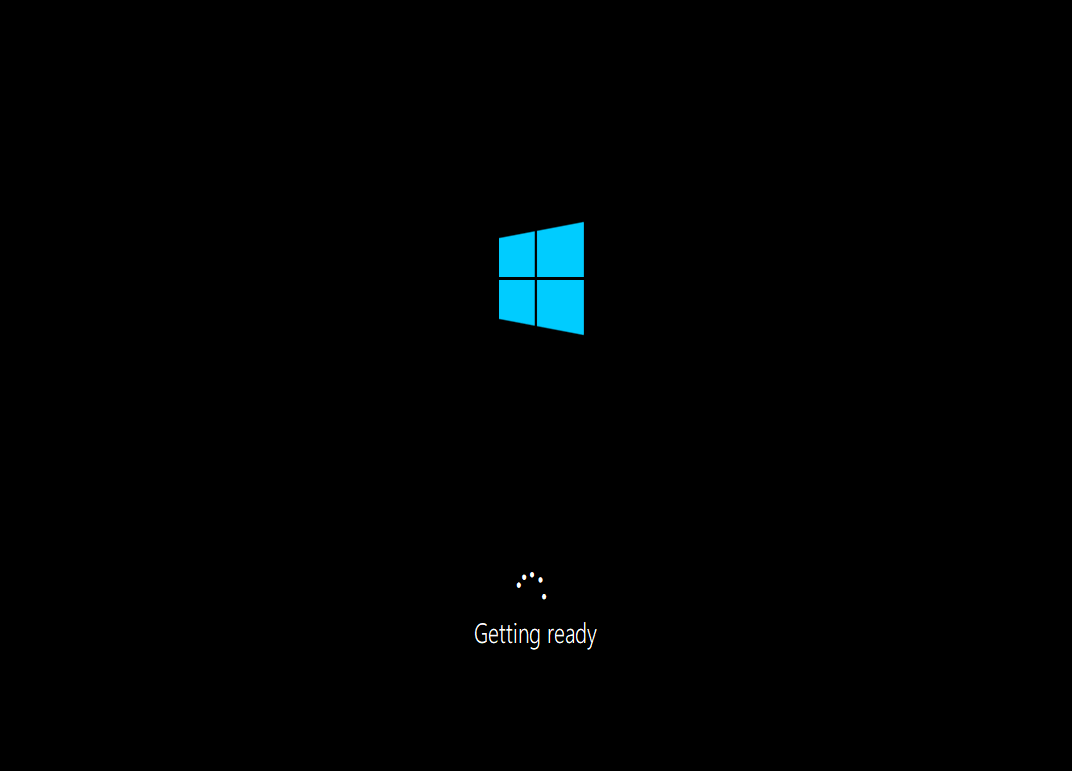
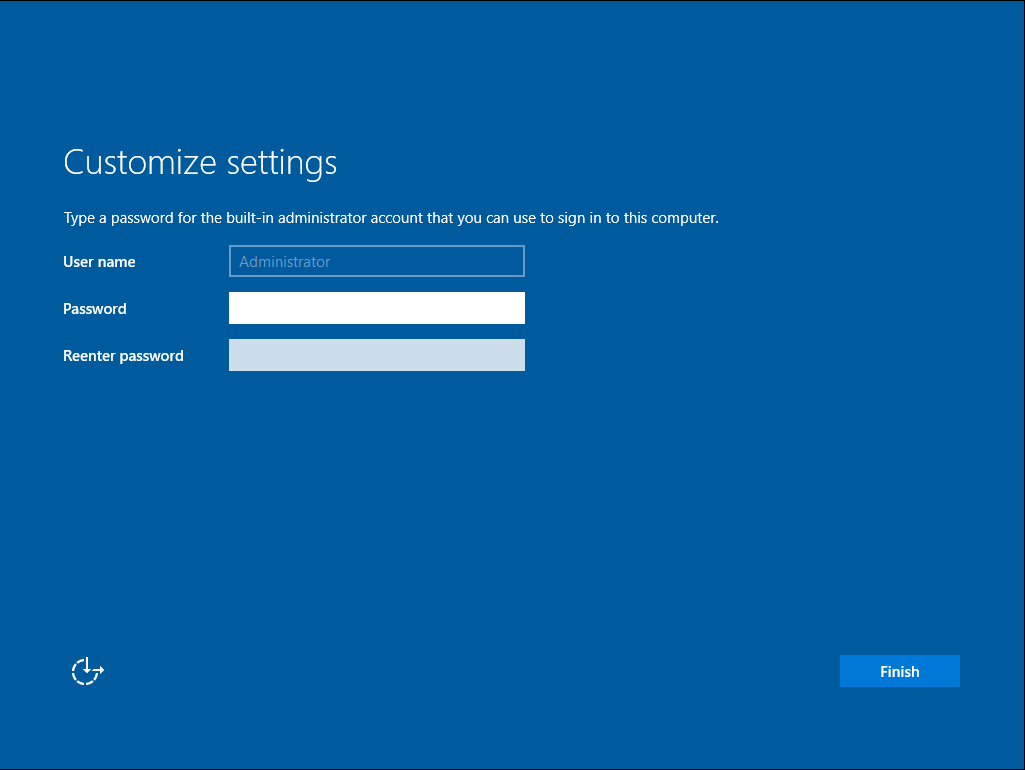
Step 15
Enter Password and Re-enter Password for Administrator account, click Finish.
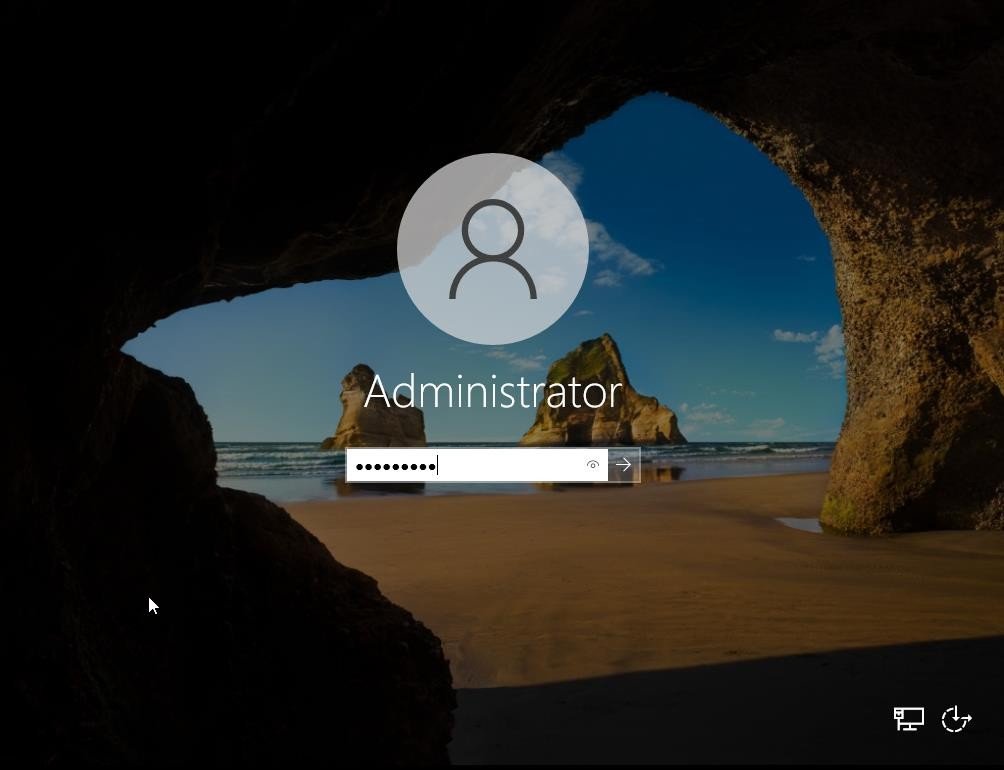
Step 16
Enter Password and Logon using the Administrator account.
Step 17
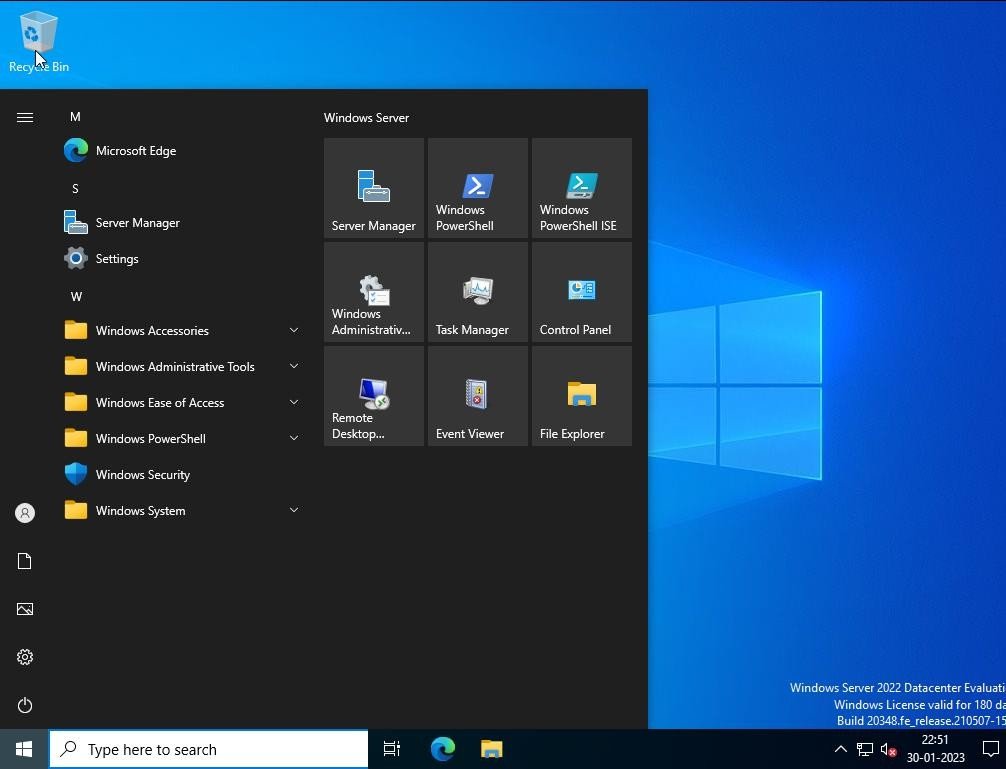
Finally Administrator has logged in.
Verification
Verify that your configuration works as expected. Open tools and check settings matching the parameters.