Prerequisites
- Before working on this lab, You must have
- A Computer running with windows server 2012 in Core mode.
Step-by-Step Instructions
Step 1
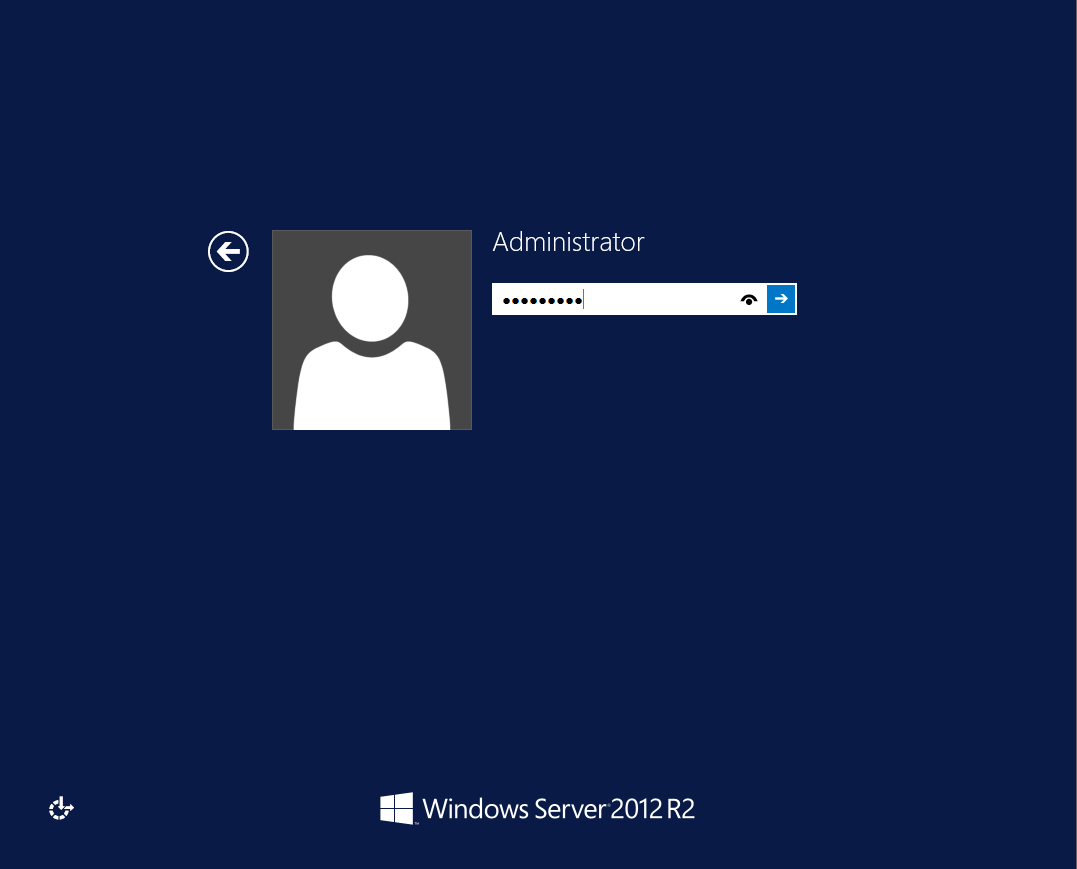
Login to Computer as Administrator.
Step 2
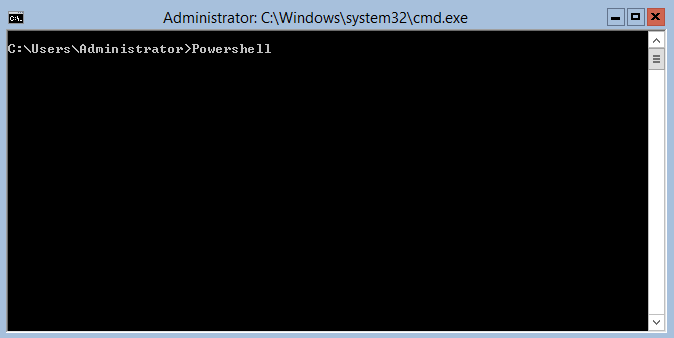
Click Windows PowerShell.
Step 3
Type the following command.
Install-WindowsFeature Server-GUI-Mgmt-Infra, Server-GUI-Shell -Restart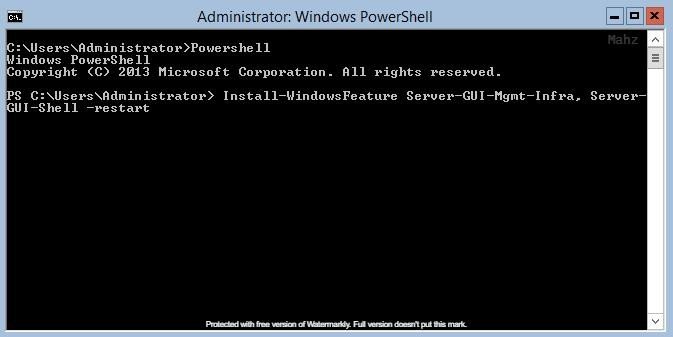
Step 4
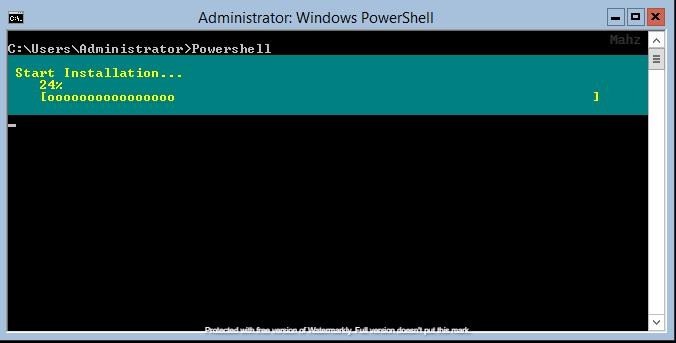
It installs the required GUI features and restarts.
Step 5
Login as Administrator and finally Core is now converted to GUI.
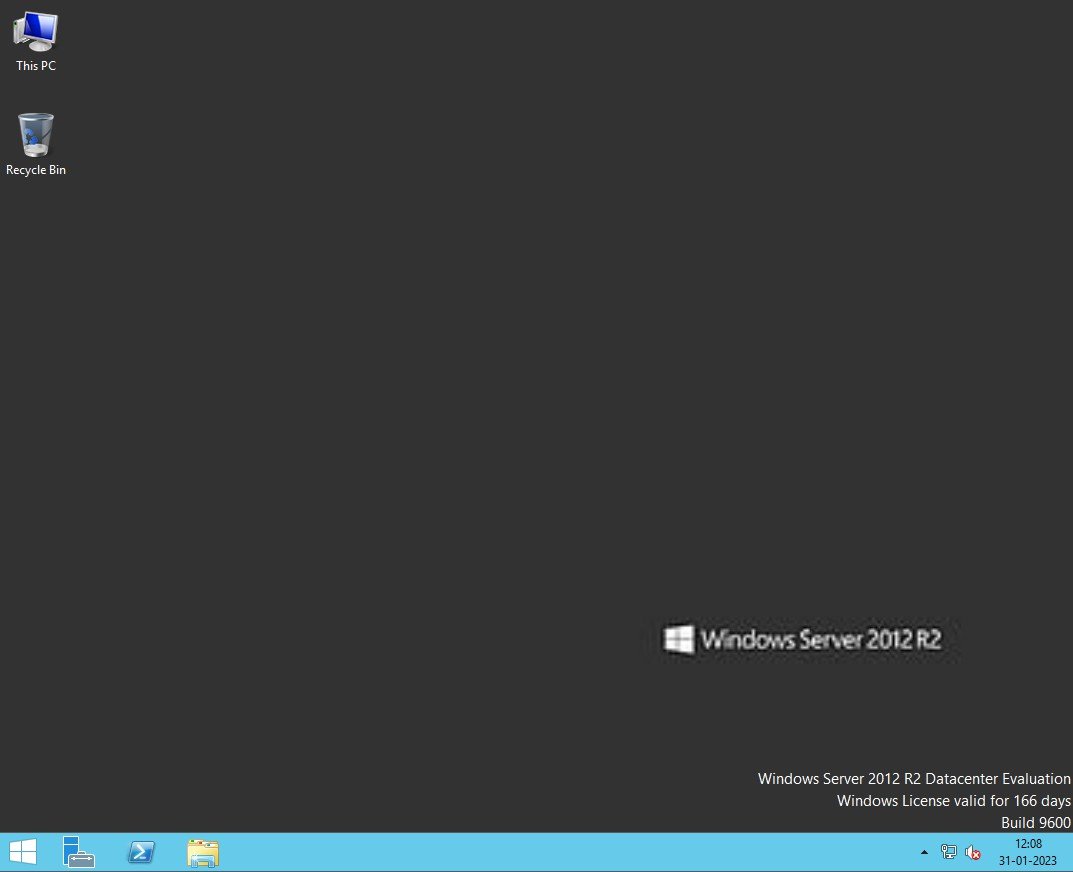
Verification
Verify that your configuration works as expected. Open tools and check settings matching the parameters.