Prerequisites
- Before working on this lab, You must have
- A computer running windows server 2022 Domain Controller.
- A Member Server running windows server 2022.
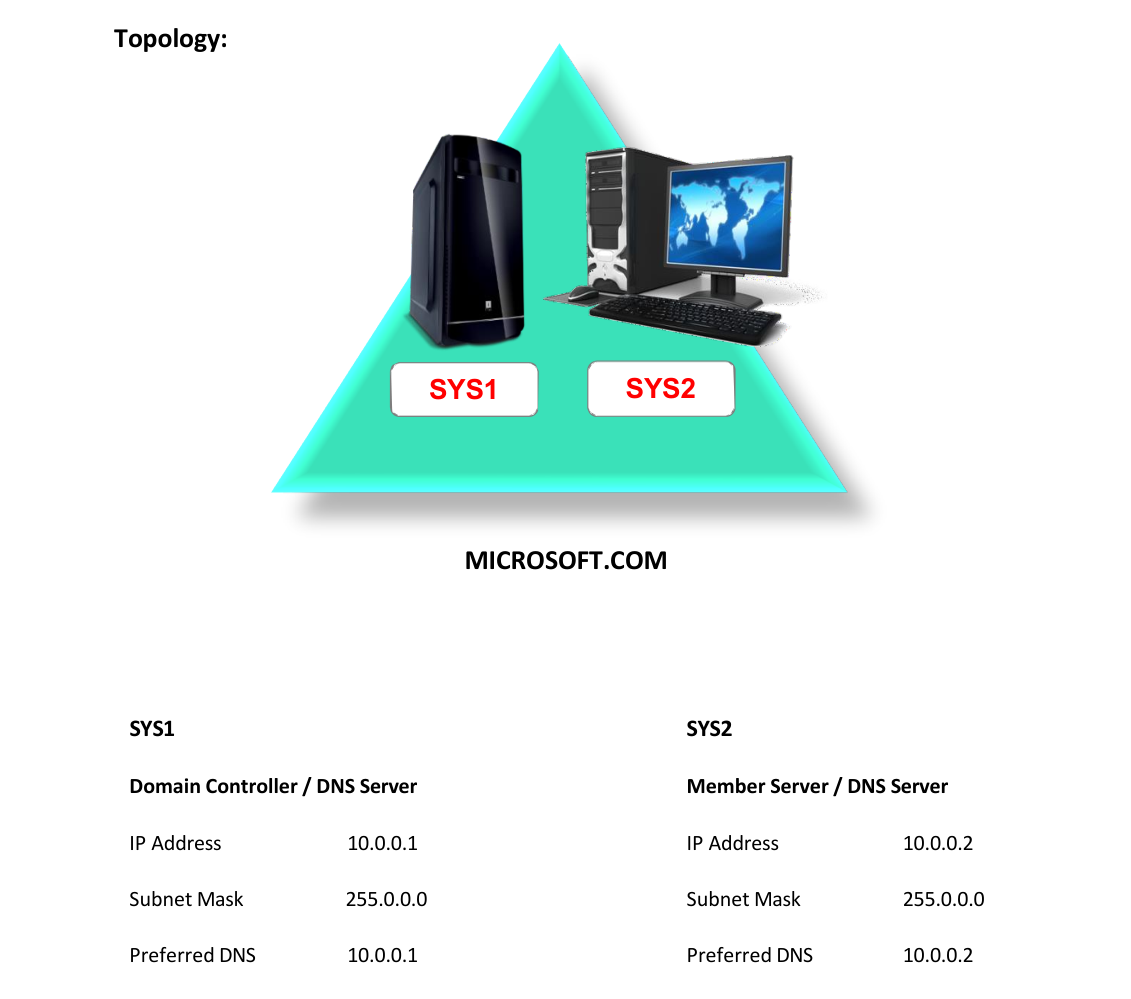
Network Topology
Step-by-Step Instructions
Step 1
To see the information present in the cache type the command “Ipconfig /displaydns”
Step 2
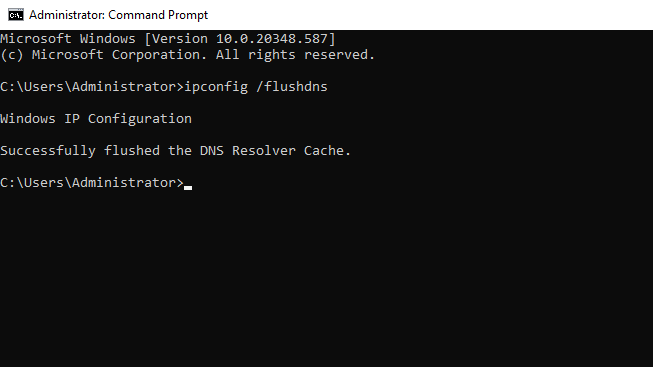
To clear the cache information type the command “Ipconfig /flushdns”
Verification
Verify that your configuration works as expected. Open tools and check settings matching the parameters.