Prerequisites
- Before working on this lab, You must have
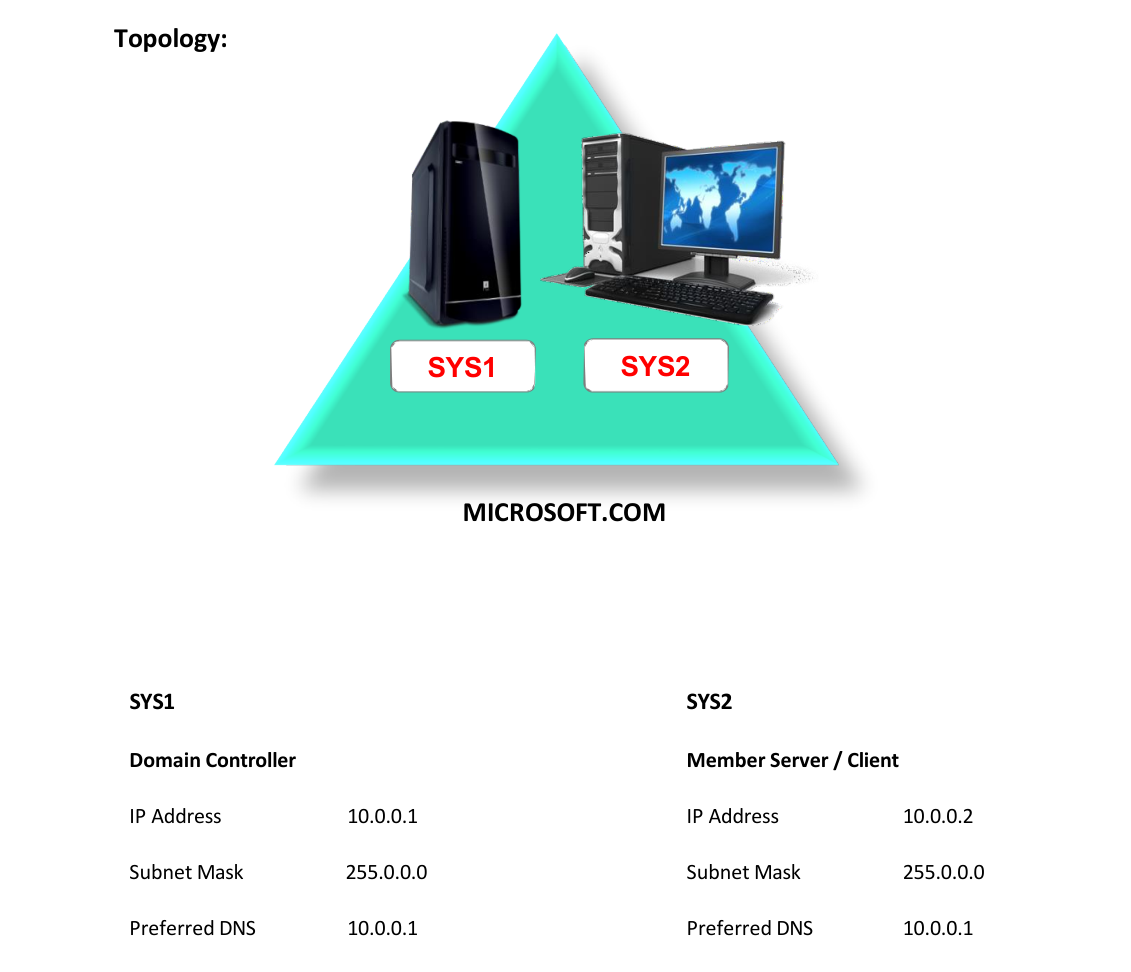
- A computer running windows 2022 server Domain Controller.
- A Member Server running windows 2022 server or client running windows 10.
Network Topology
Step-by-Step Instructions
Step 1
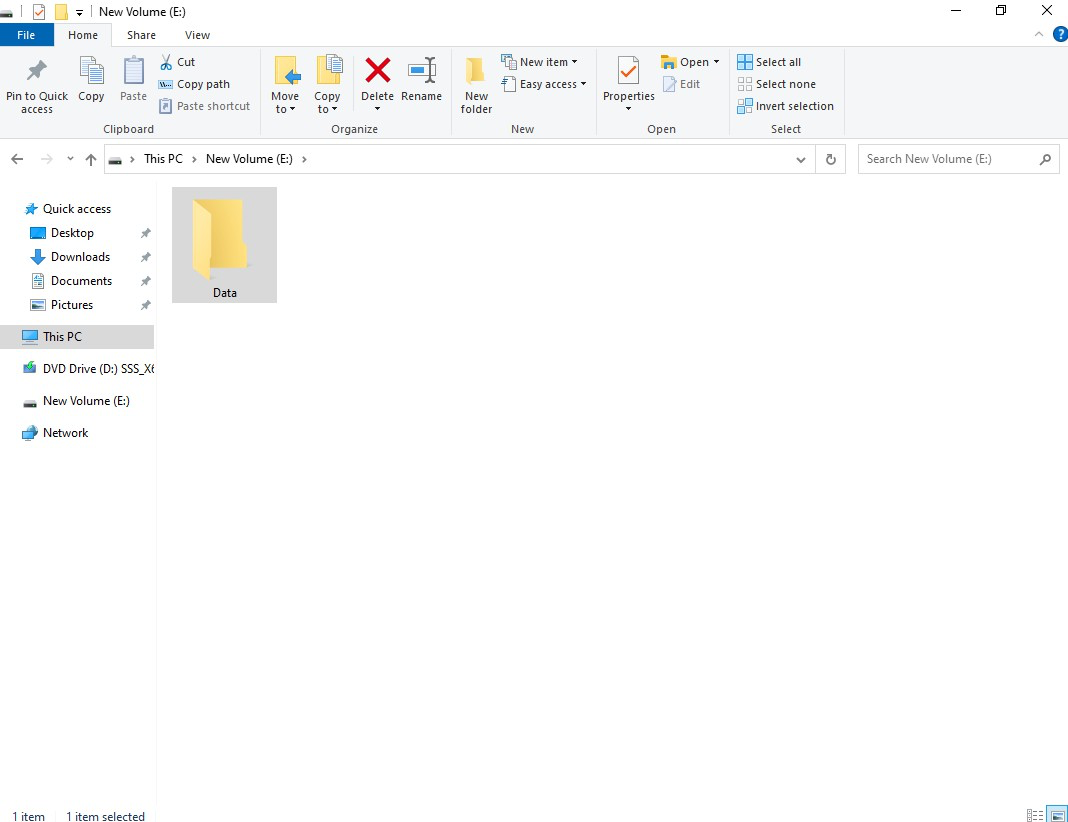
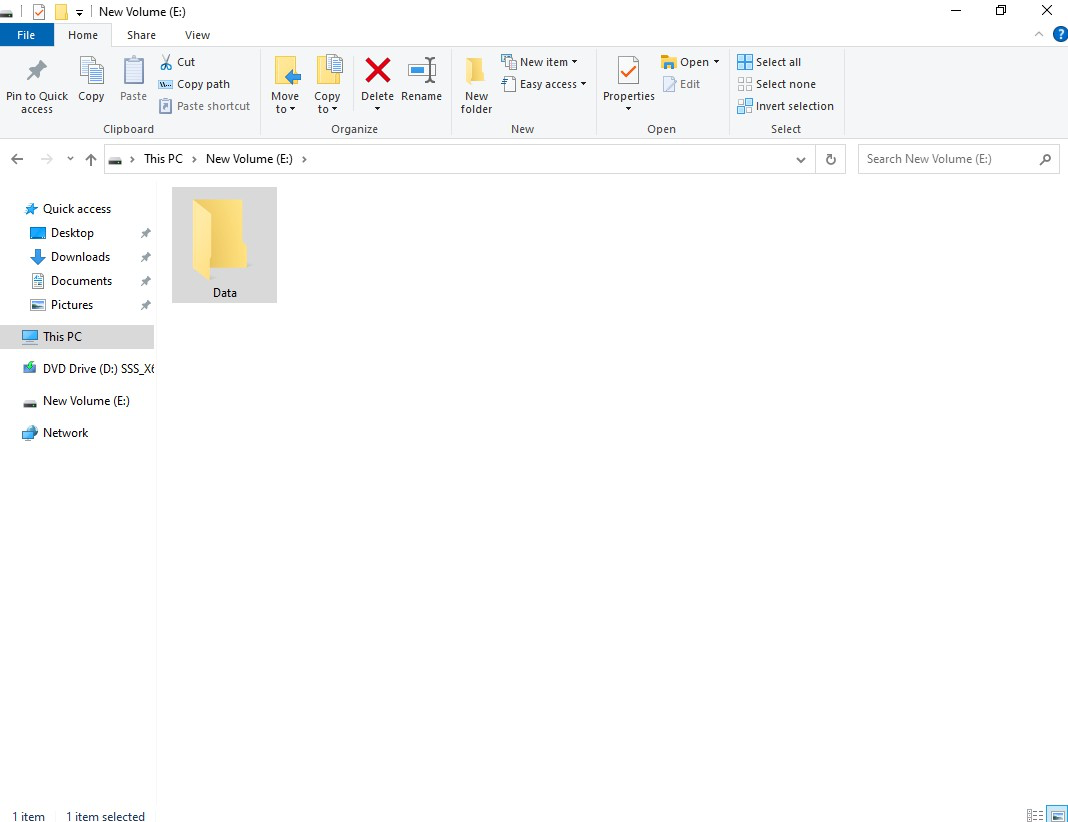
Open Computer à Go to any NTFS partition and create a folder (DATA), along with some files in it.
Step 2
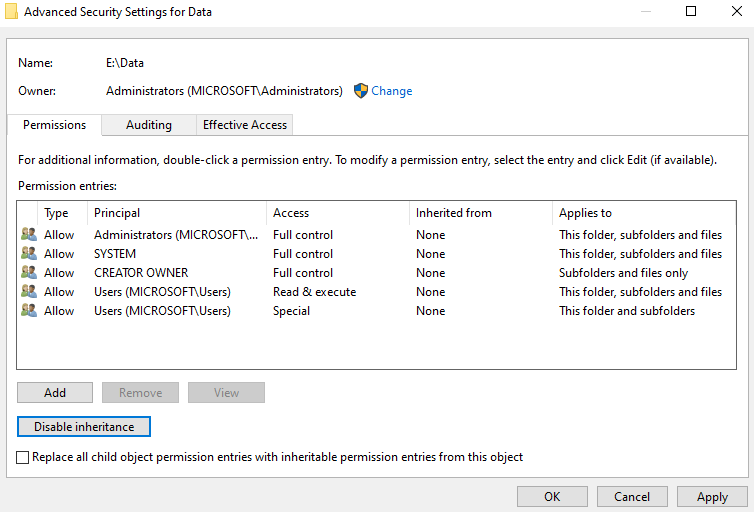
Right click the folder (DATA) and select properties and click Security tab à click Advanced tab à click Edit à click Disable inheritance.
Step 3
Click Remove à Apply à OK à OK
Step 4
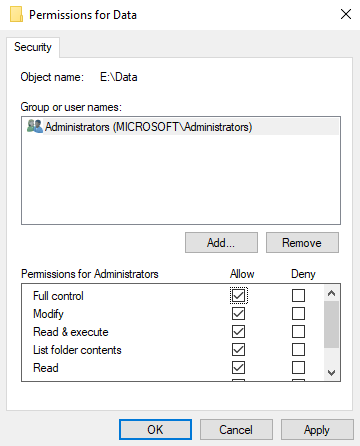
Click Edit.
Step 5
Add Administrator Administrators and allow Full control permission.
Step 6
Then Add the Users (User1) and Allow Read permission.
Step 7
Click Apply à OK à OK.
Verification
- 1. Login as User (User1) on the same computer, and Open Computer icon, and verify the
- respective permissions by accessing the folder.
- 2. The User can just read the Files and Folders.