Prerequisites
- Before working on this lab, You must have
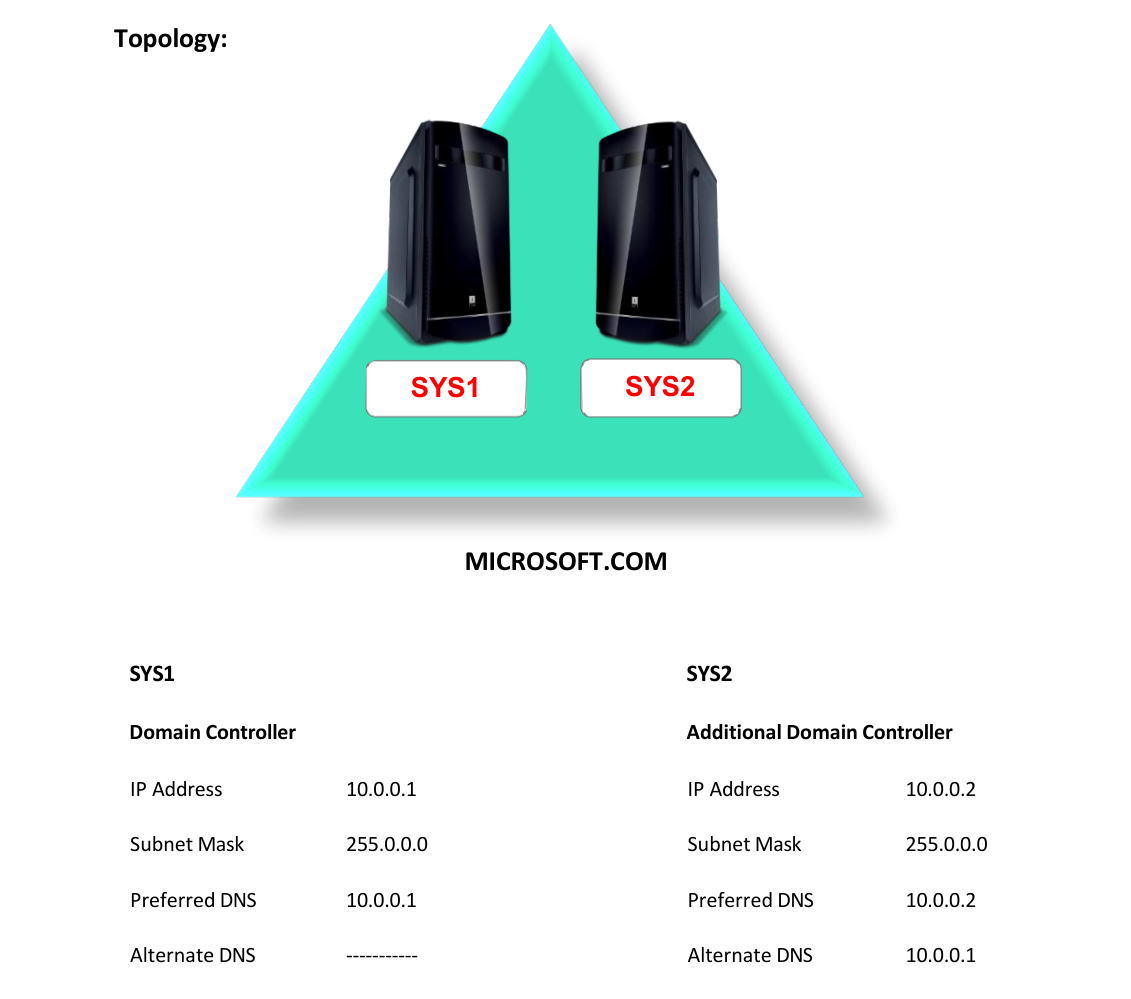
- A computer running windows 2022 server Domain Controller.
- A Member Server running windows 2022 server Additional Domain Controller.
Network Topology
Step-by-Step Instructions
Step 1
Log on to Additional Domain Controller as Administrator
Step 2
Shutdown the Domain Controller
Step 3
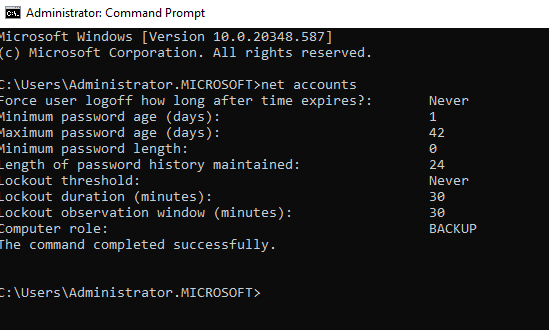
Go to Start, type CMD in Search Apps, and select Command Prompt
Step 4
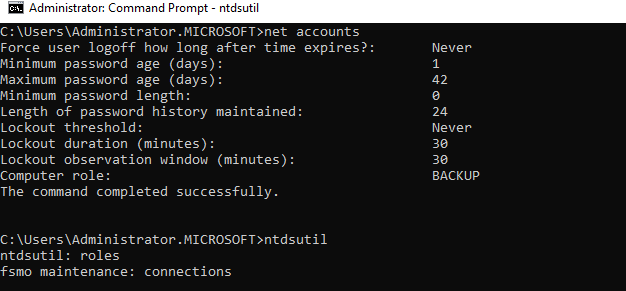
Type Net accounts and Verify for BACKUP in Computer role.
Step 5
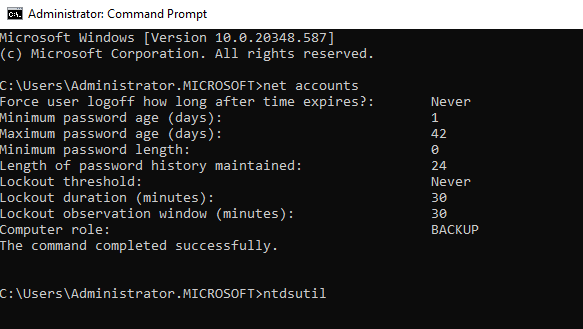
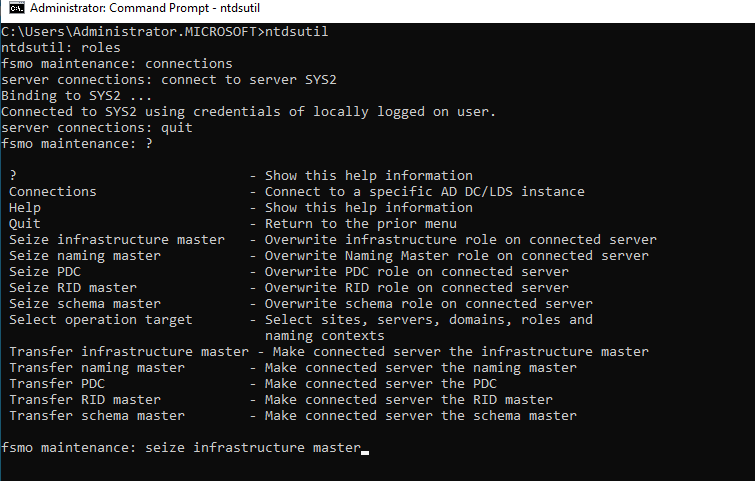
Type Ntdsutil and Press Enter.
Step 6
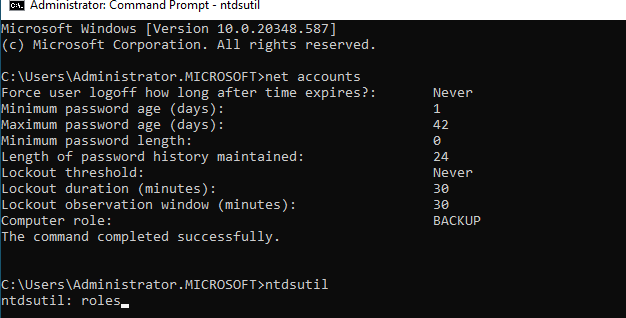
Type Roles and Press Enter.
Step 7
Type Connections and Press Enter.
Step 8
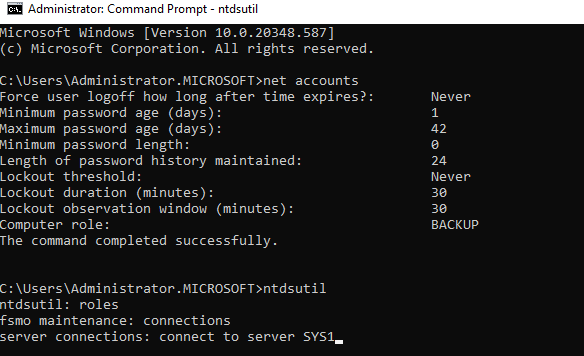
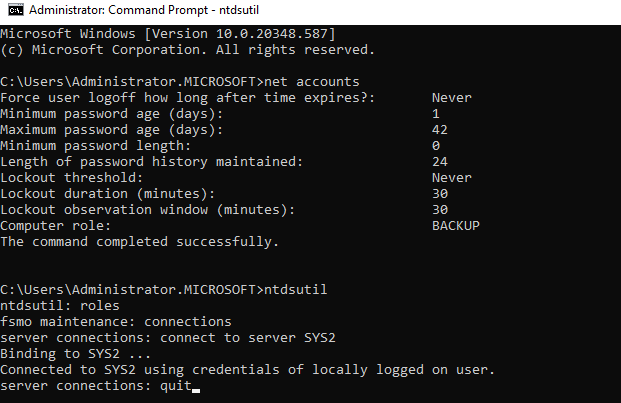
Type Connect to server SYS2 (ADC System name) and Press Enter.
Step 9
Type: Quit
Step 10
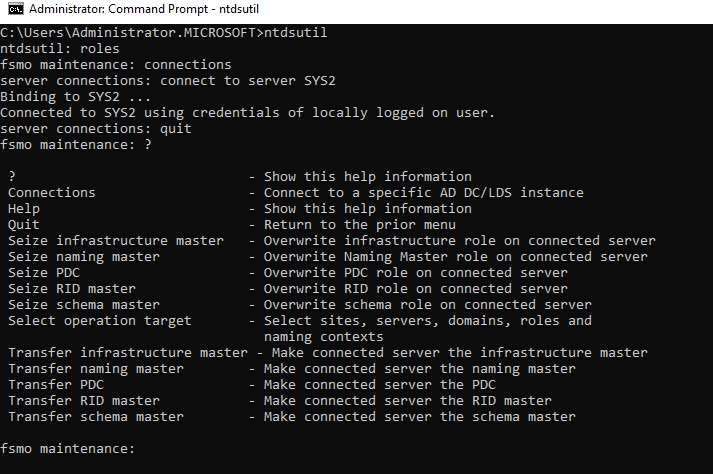
Type Help(or)? To view the available syntax.
Step 11
Type Seize infrastructure master and Press Enter.
Step 12
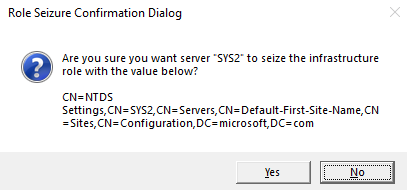
Click Yes.
Step 13
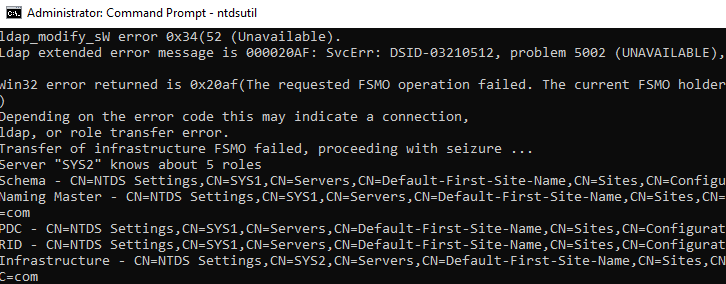
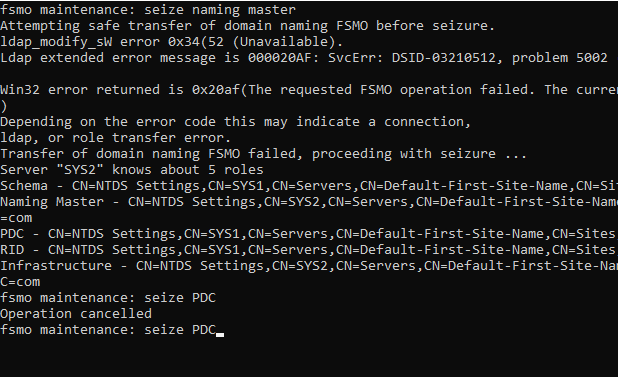
Type Seize naming master and Press Enter.
Step 14
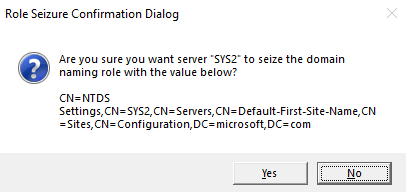
Click Yes.
Step 15
Type Seize PDC and Press Enter.
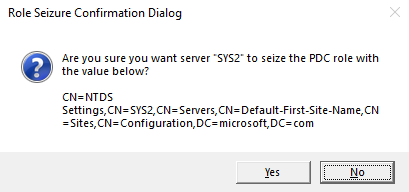
Step 16
Click Yes.
Step 17
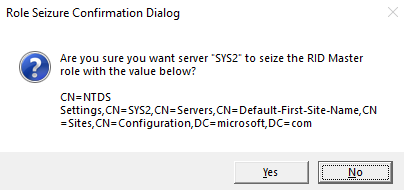
Type Seize RID Master and Press Enter.
Step 18
Click Yes.
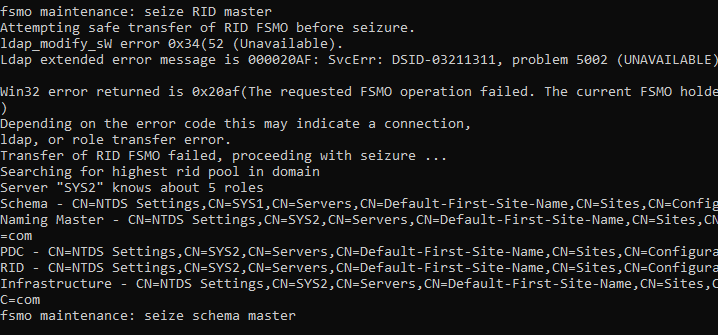
Step 19
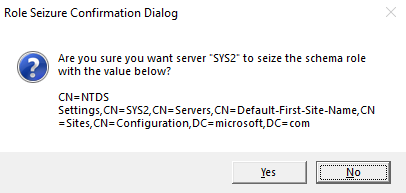
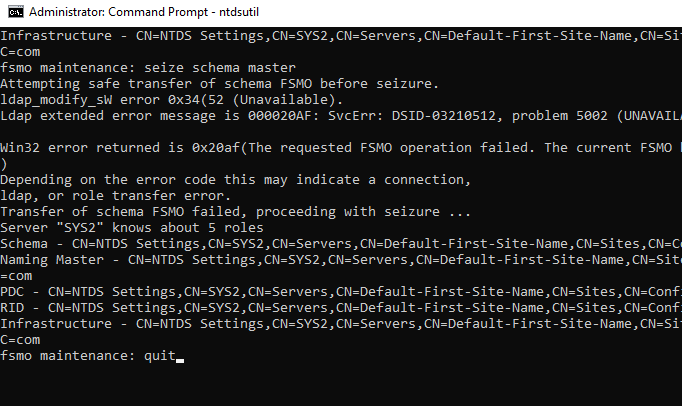
Type Seize Schema Master and Press Enter.
Step 20
Click Yes.
Step 21
Type Quit and press Enter
Step 22
Type Quit and Press Enter.
Verification
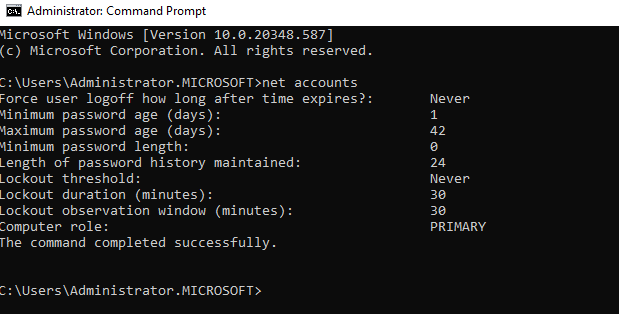
- 1. Type Net accounts and Press Enter
- 2. Computer role of Additional Domain Controller will be converted to Primary.