Prerequisites
- Before working on this lab, You must have
- A computer running windows server 2022 Domain Controller.
- A Member Server running windows server 2022 or Client Running Windows 10.
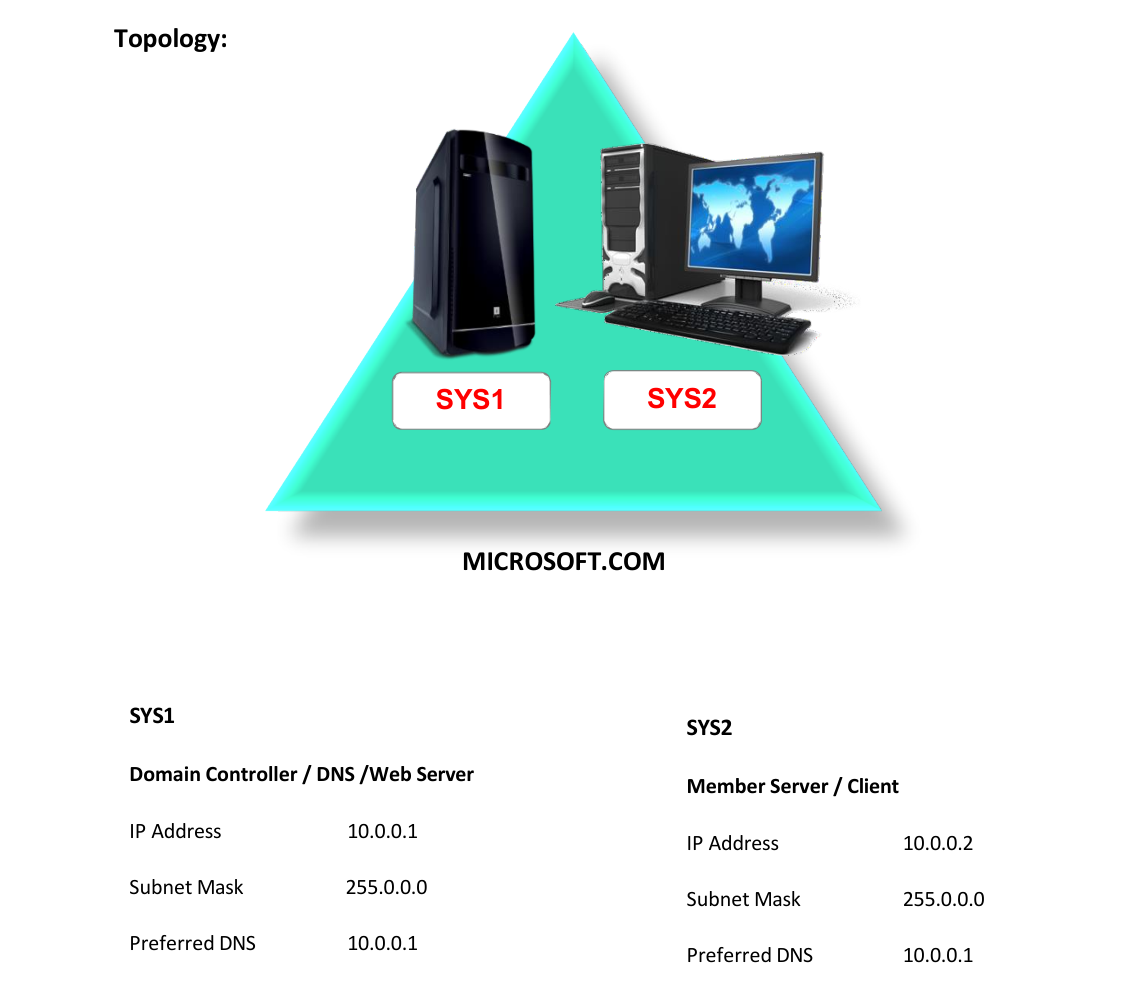
Network Topology
Step-by-Step Instructions
Step 1
Go to Start, select Internet Information Services Manager.
Step 2
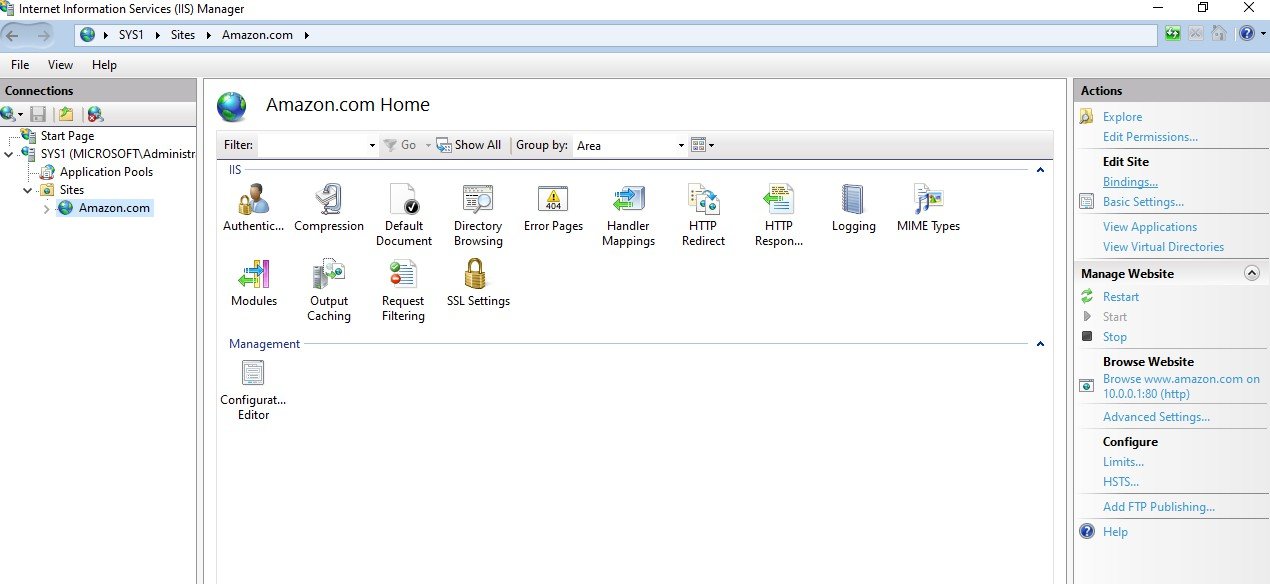
Select the Web site à click Bindings in the Actions Pane.
Step 3
Click edit and change the IP address or port number or host name.
Step 4
If the port number is changed then the website can be accessed only by specifying the port number http://www.amazon.com:port_number
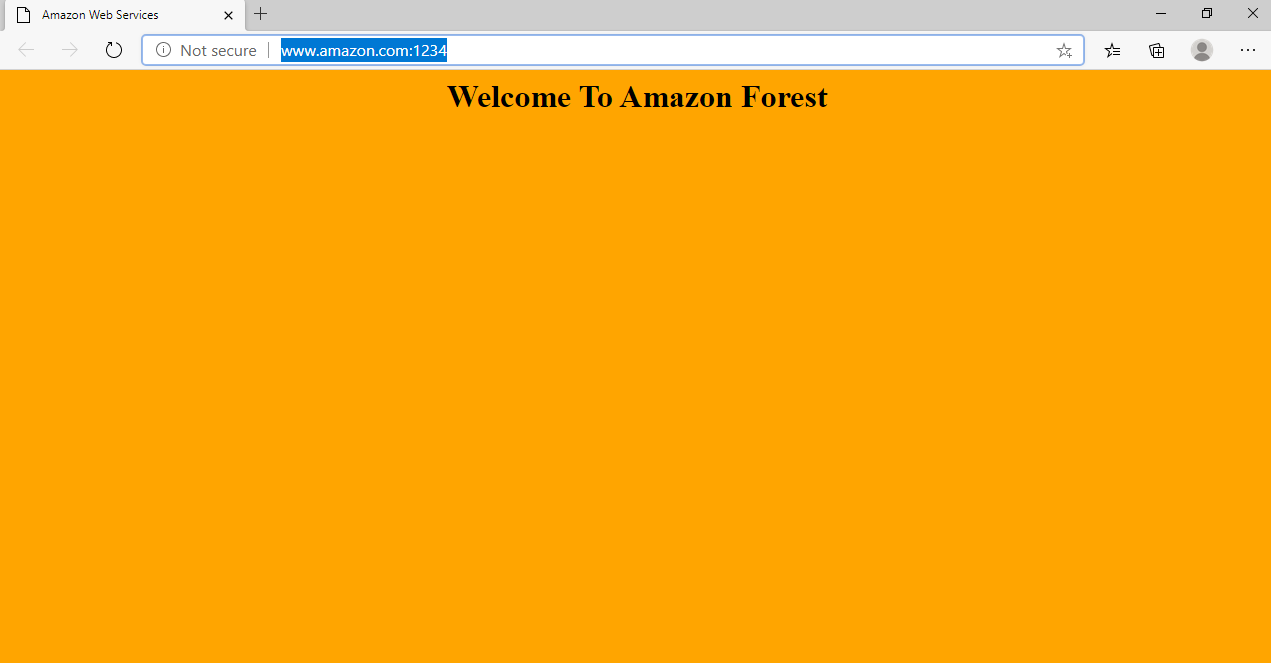
Verification
Verify that your configuration works as expected. Open tools and check settings matching the parameters.