Prerequisites
- Before working on this lab, You must have
- A computer with windows server 2022 Operating System Domain Controller/ Hyper-
- V host.
- A Member Server running Windows server 2022 Hyper-V host.
Network Topology
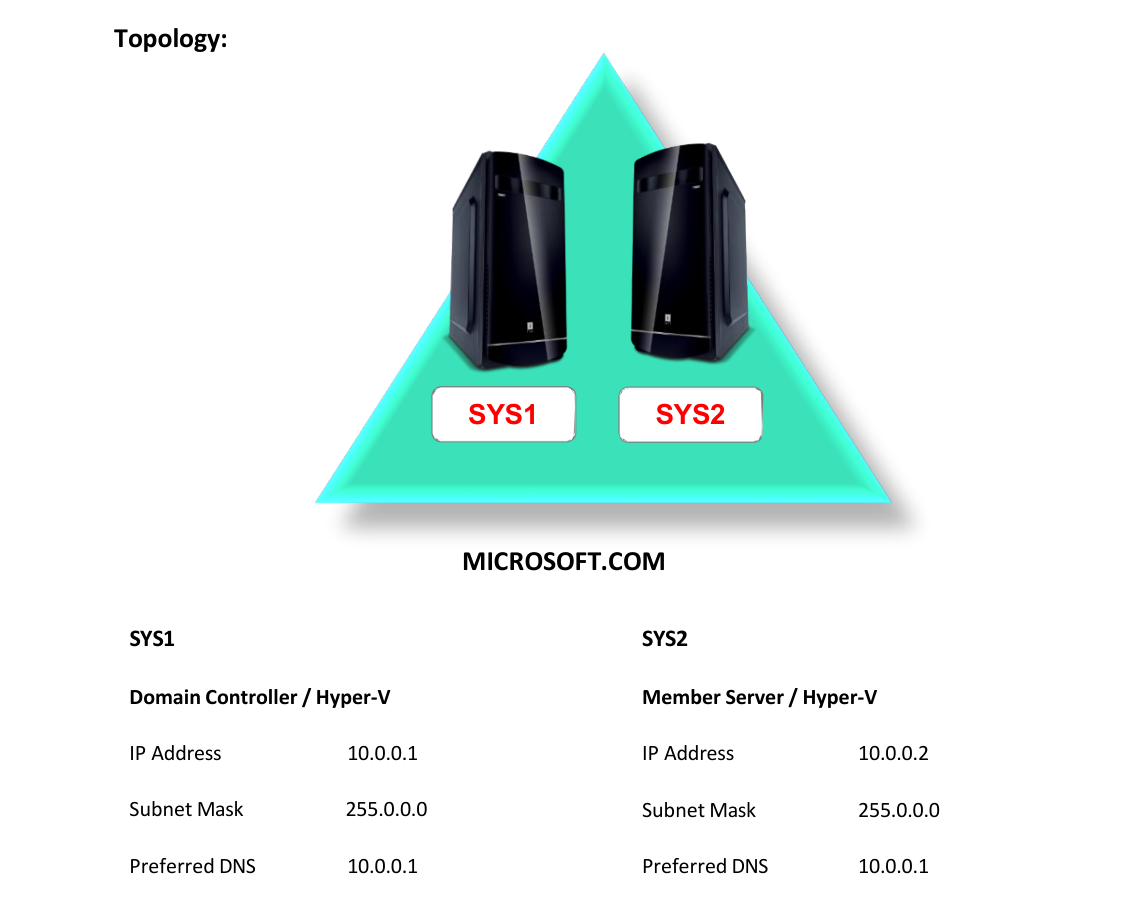
Step-by-Step Instructions
Step 1
Log on to Member Server SYS2 as Domain Administrator and Install Hyper-V.
Step 2
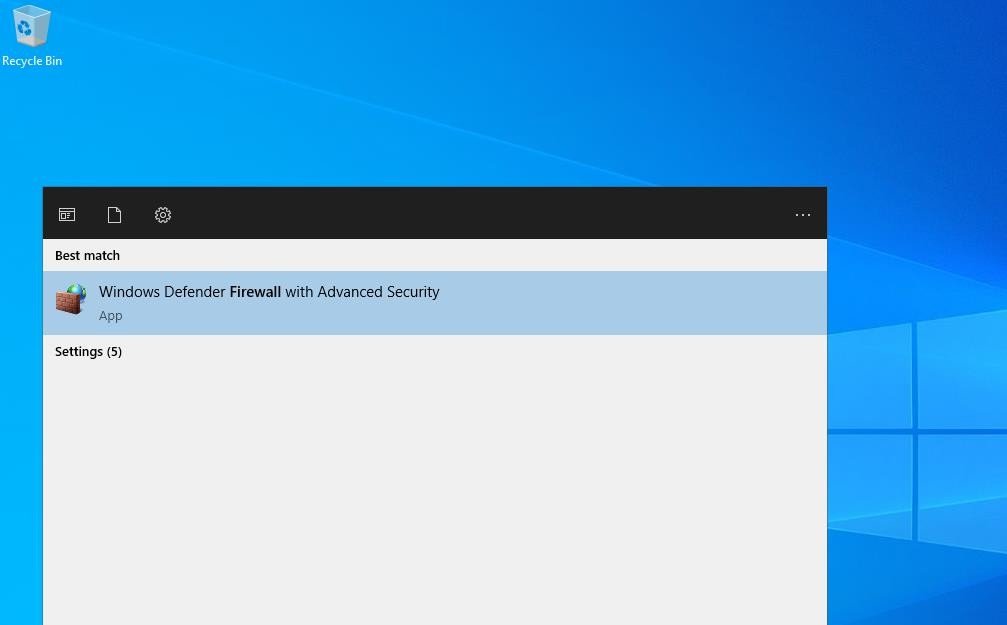
Go to Start, type Firewall, select Windows Firewall with Advanced...
Step 3
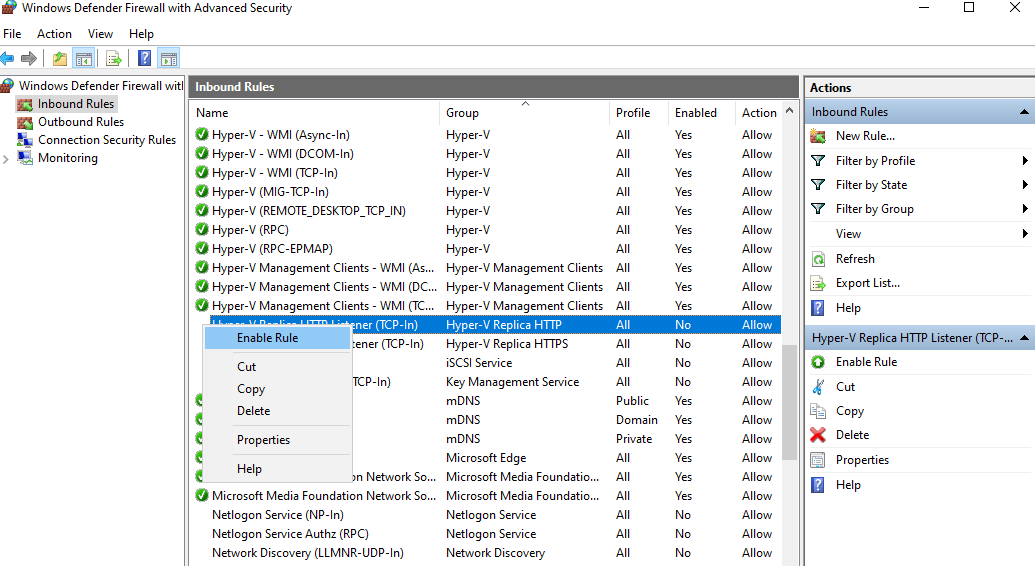
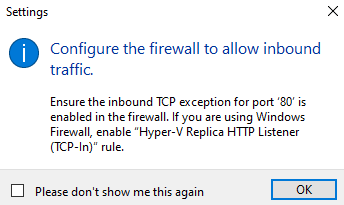
Select Inbound Rules, Right click Hyper-V Replica HTTP Listener (TCP-In), Enable Rule and Hyper-V Replica HTTPS Listener (TCP-In) and Enable Rule.
Step 4
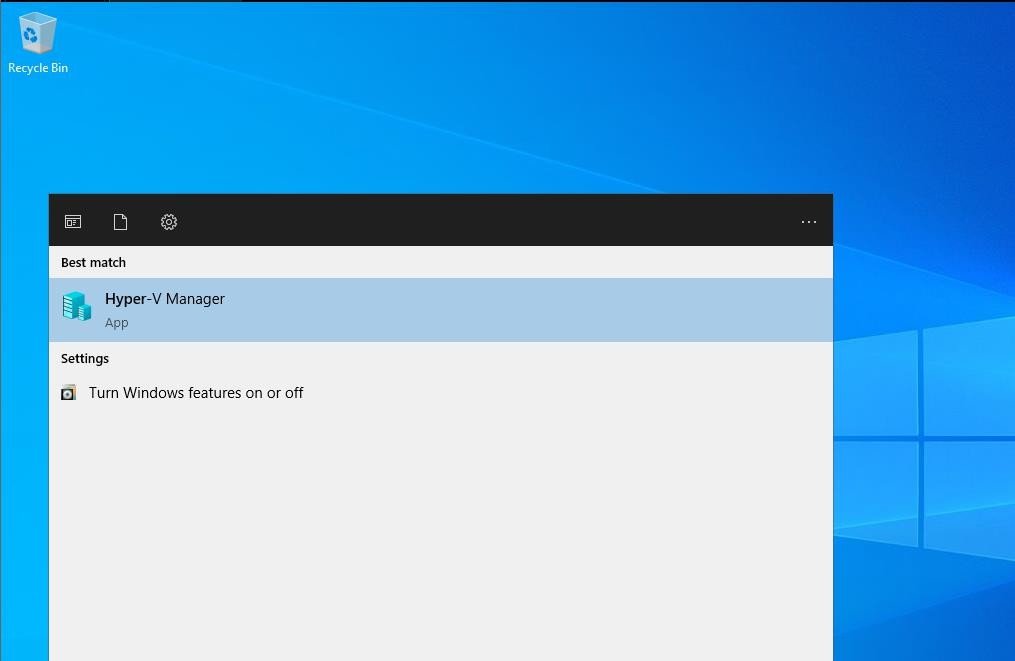
Go to Start, select Hyper-V Manager.
Step 5
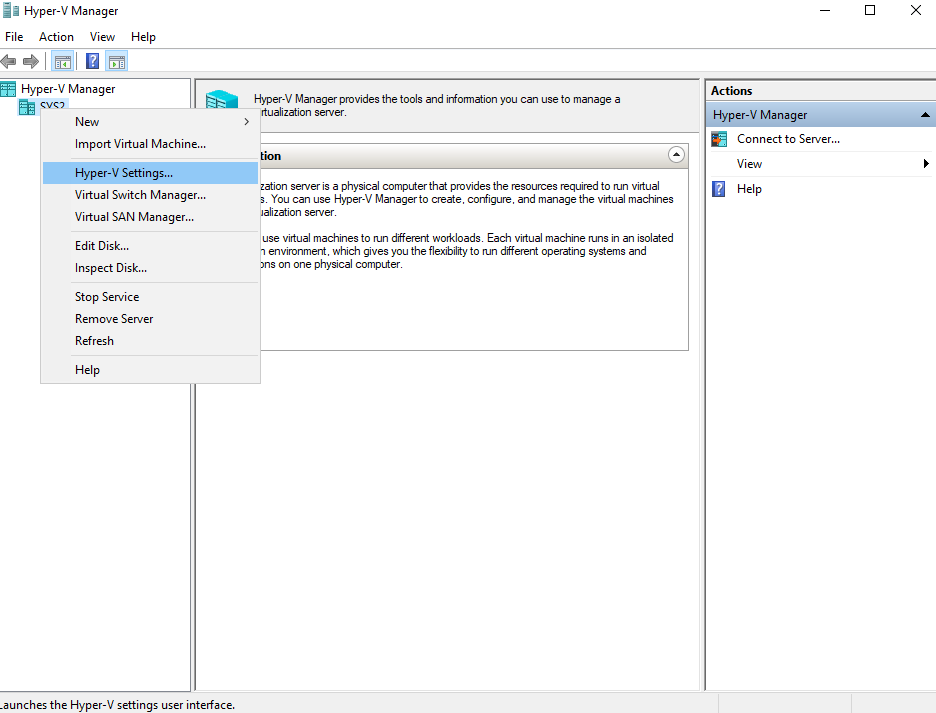
In Hyper-V Manager, right click on Server Name (SYS2) and select Hyper-V Settings
Step 6
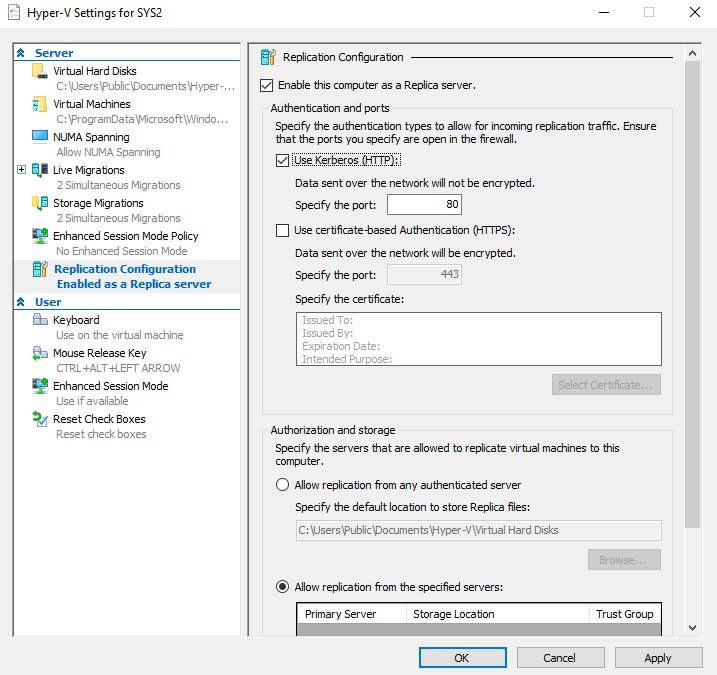
Select Replication Configuration, check box Enable this Computer as a Replica server and check Use Kerberos (HTTP)
Step 7
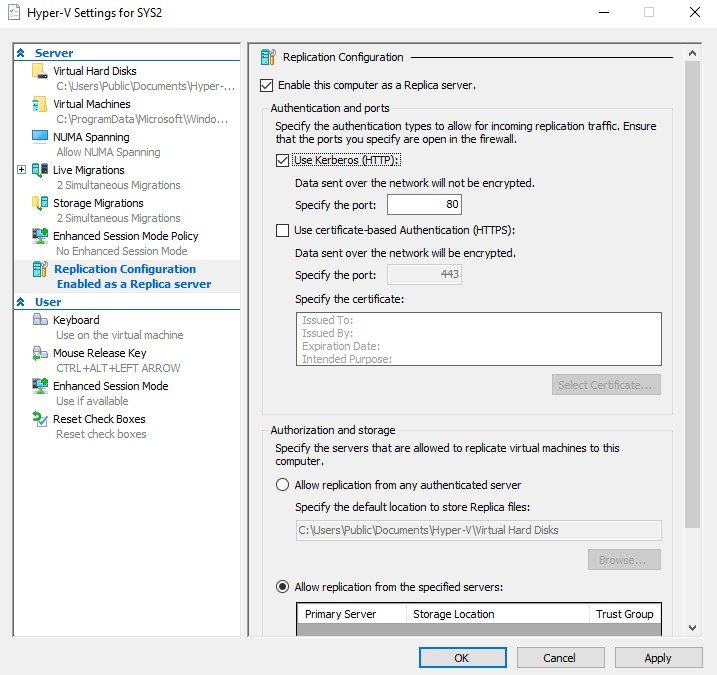
In Authorization, Select Allow replication from any authenticated server.
Step 8
Click OK.
Step 1
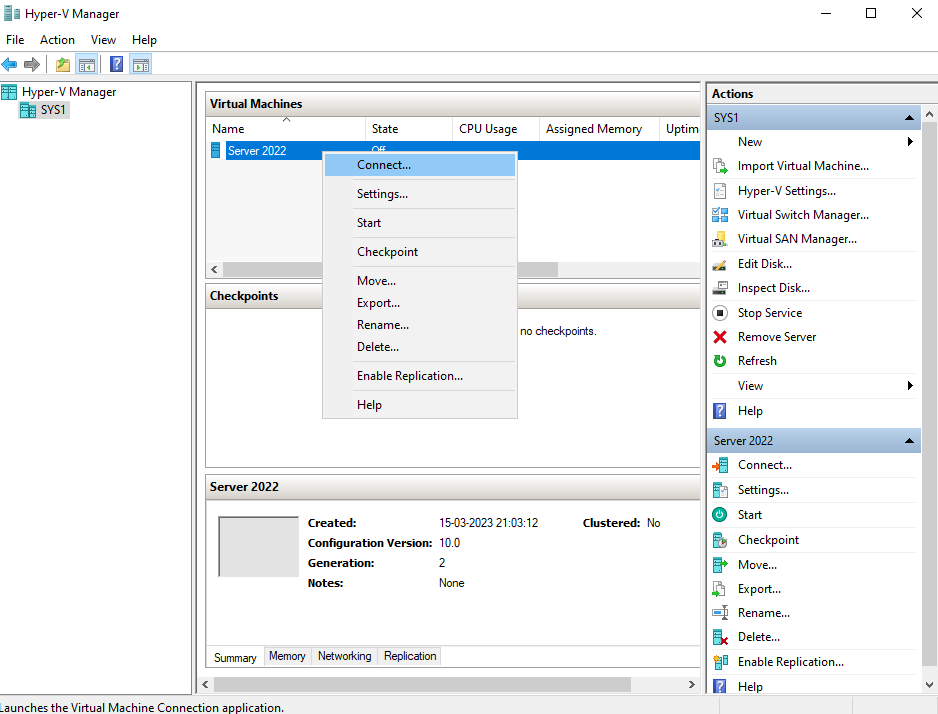
Go to Start, Hyper-V Manager, right click on virtual machine (Win 2012) and select Enable Replication.
Step 2
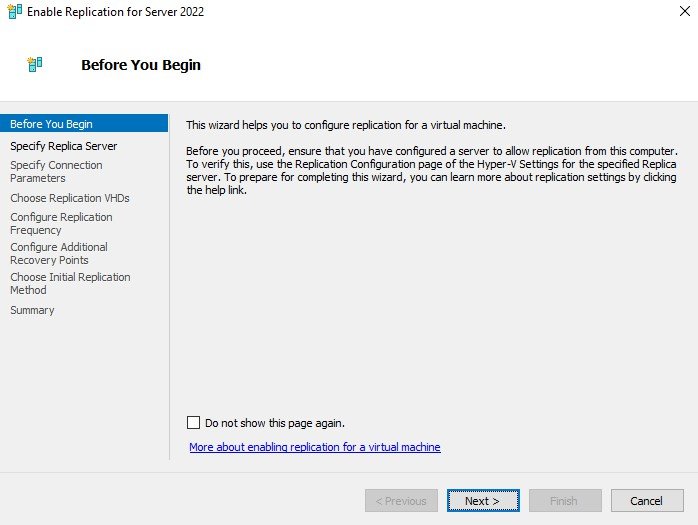
In Before you begin page, Click Next.
Step 3
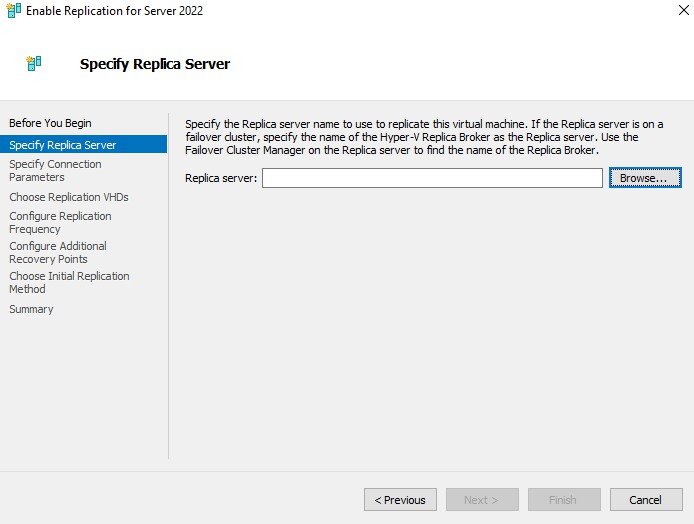
Click Browse.
Step 4
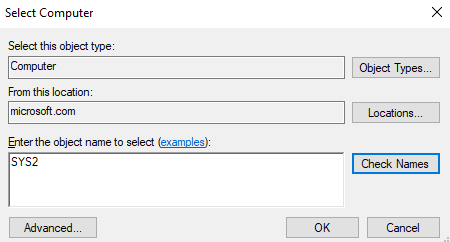
Enter the server name SYS2, click OK.
Step 5
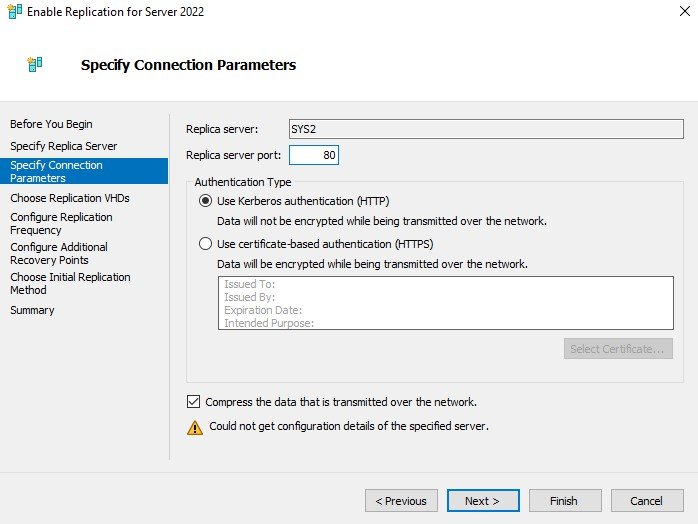
Click Next, accept the defaults click Next.
Step 6
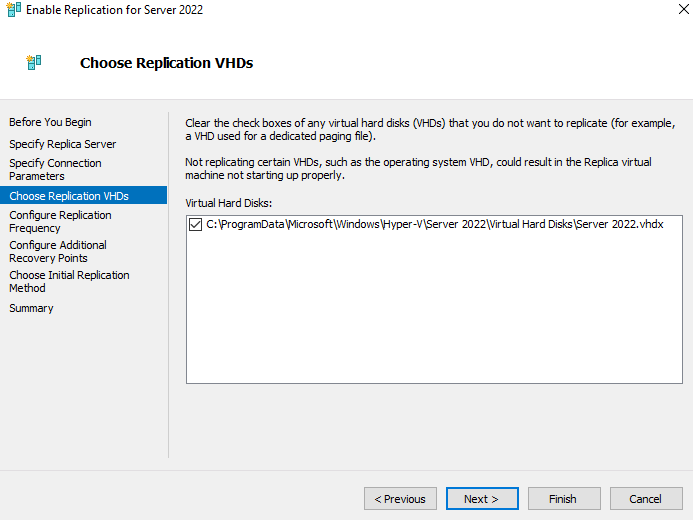
In Replication VHDs, Click Next.
Step 7
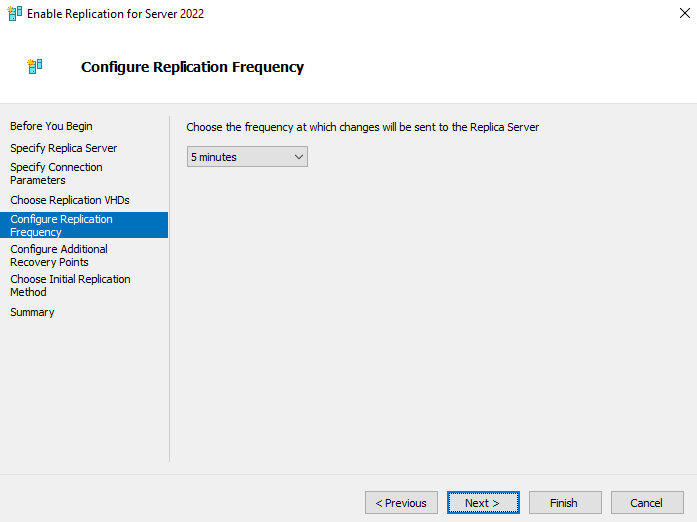
In Configure Replication Frequency Page, Select 5 minutes and Click Next.
Step 8
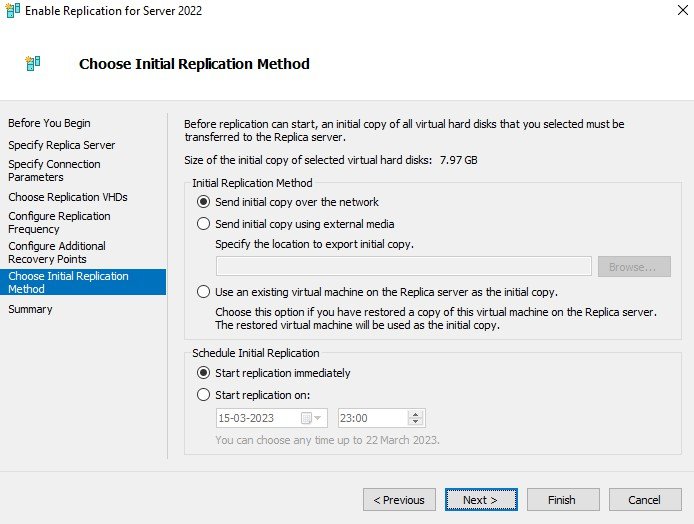
Select Initial Replication Method, Click Next.
Step 9
Click Finish.
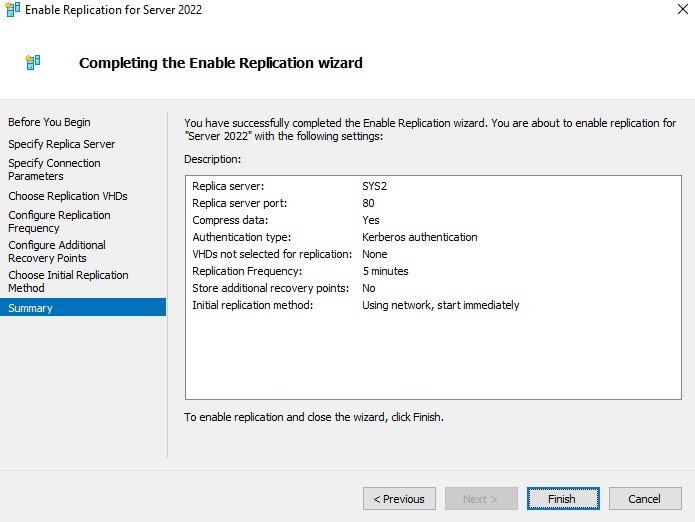
Step 10
Verify for Sending Initial Replication.
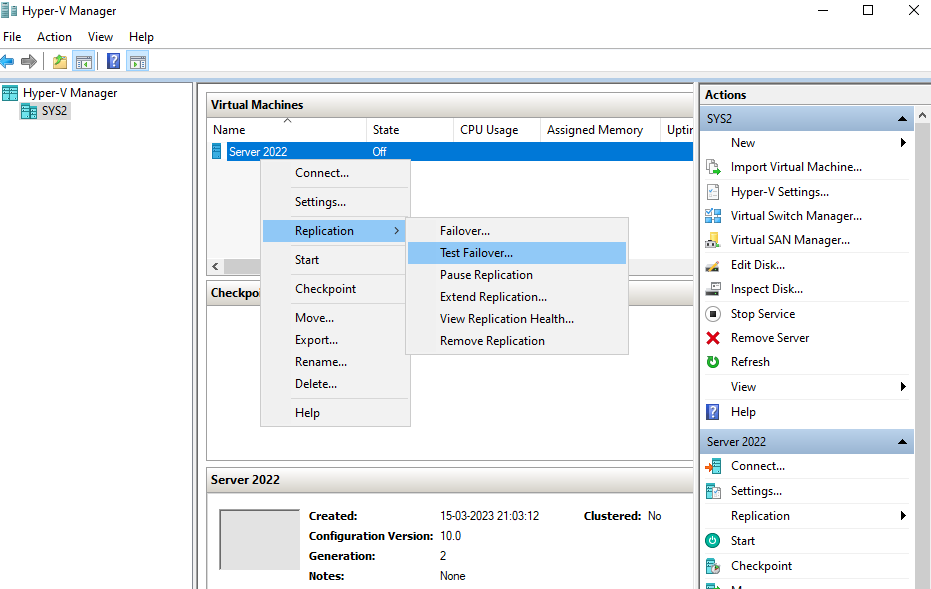
Verification
- 1. Go to Hyper-V Manger Console, and verify for replicated Virtual Machine.
- 2. To Test Failover, right on the virtual machine select Replication and click Test Failover.