Prerequisites
- Before working on this lab, You must have
- A computer running windows 2022 server Domain Controller.
- A Member Server running windows 2022 server or client running windows 10.
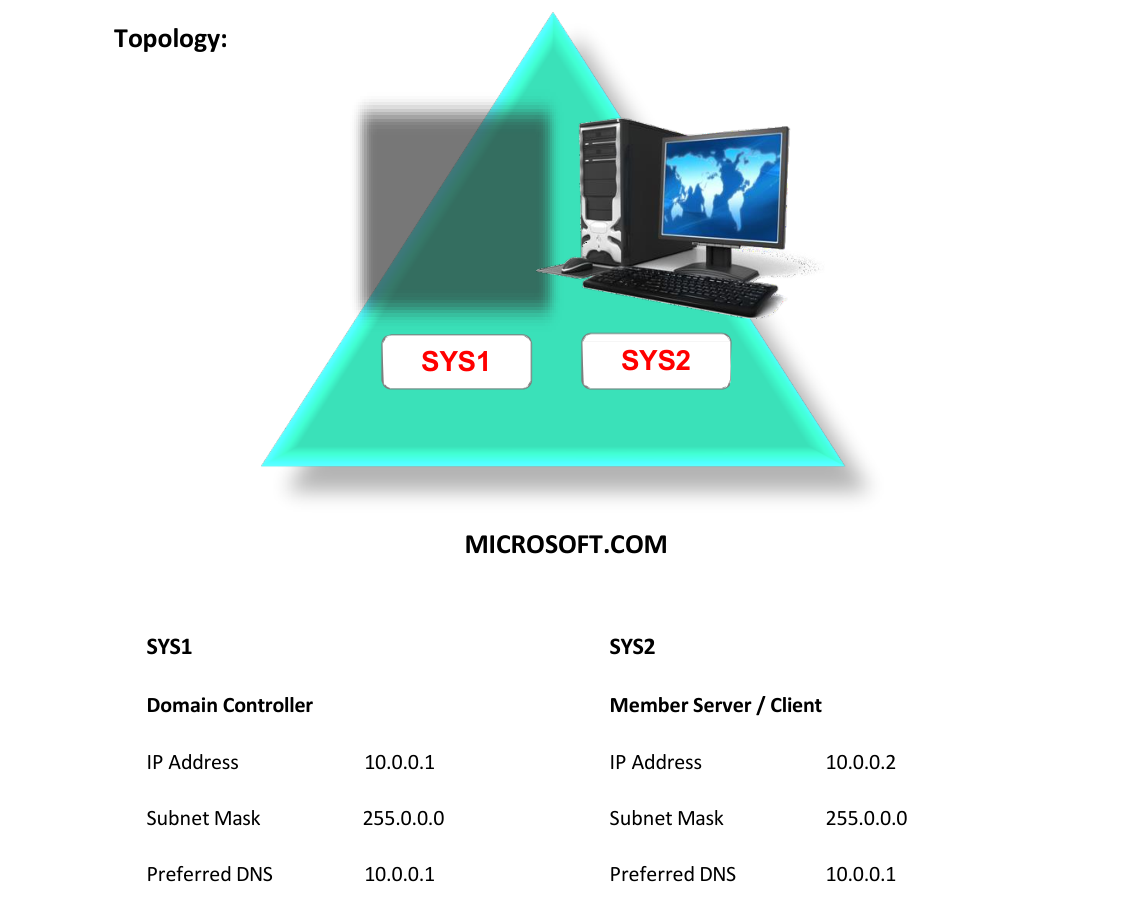
Network Topology
Step-by-Step Instructions
Step 1
Log in as Administrator to Domain Controller.
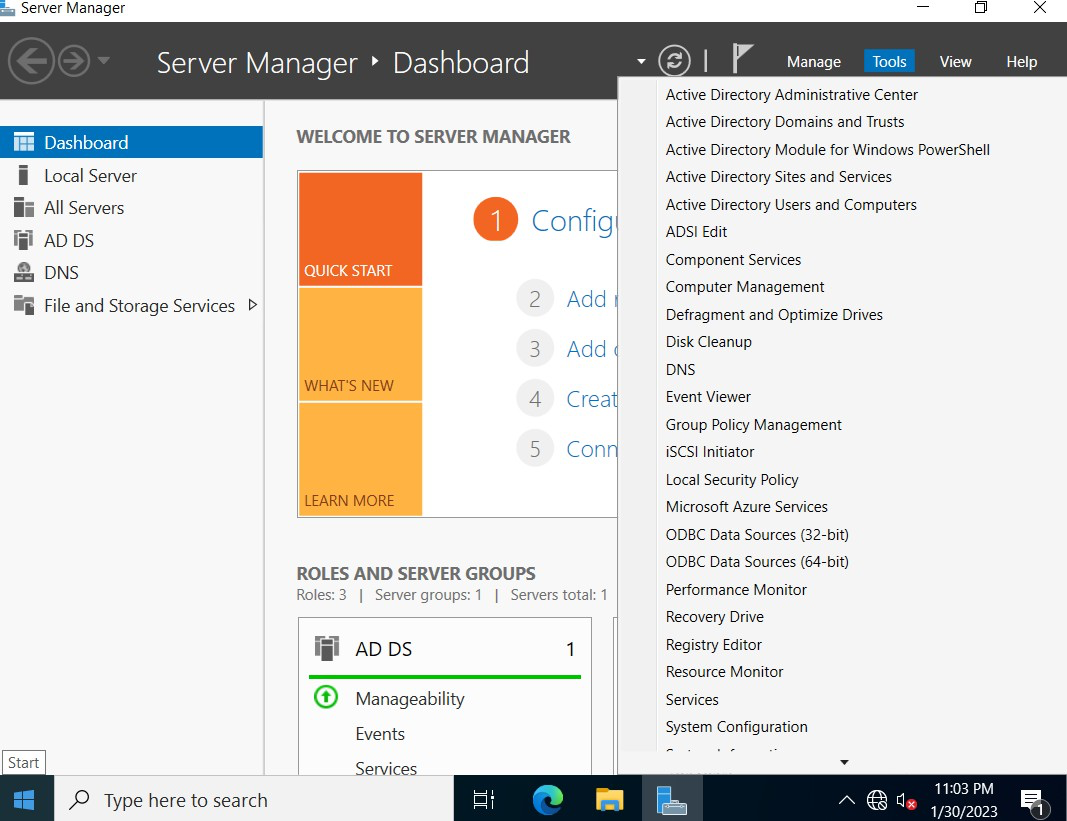
Step 2
Press Windows Key to go to Start, select Active Directory User and Computers.
Step 3
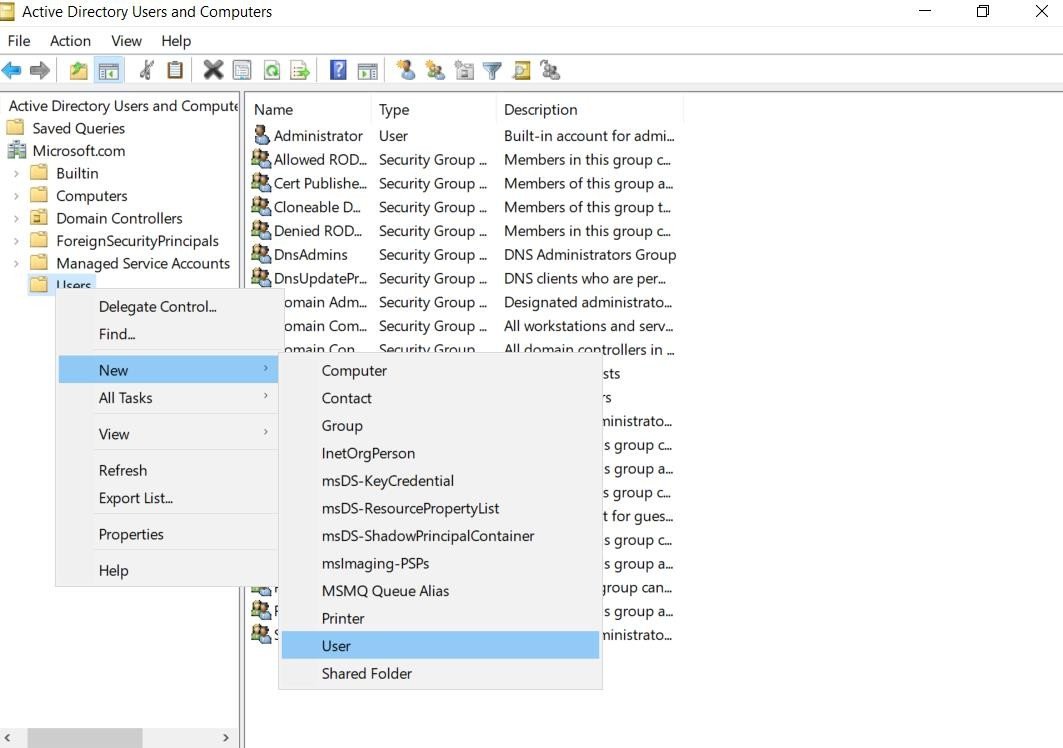
In the console tree, expand your domain MICROSOFT.COM, and then right click Users Container, select New User.
Step 4
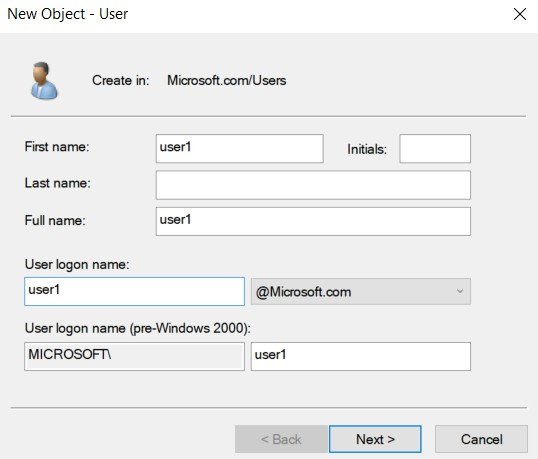
Specify the First name and User Logon name and then click Next.
Step 5
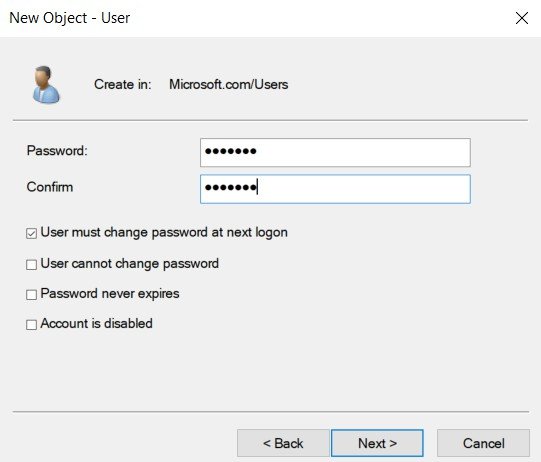
Enter the Password and Confirm Password for the User account, click Next.
Step 6
Review the configuration settings for the User Account and then click Finish.
Verification
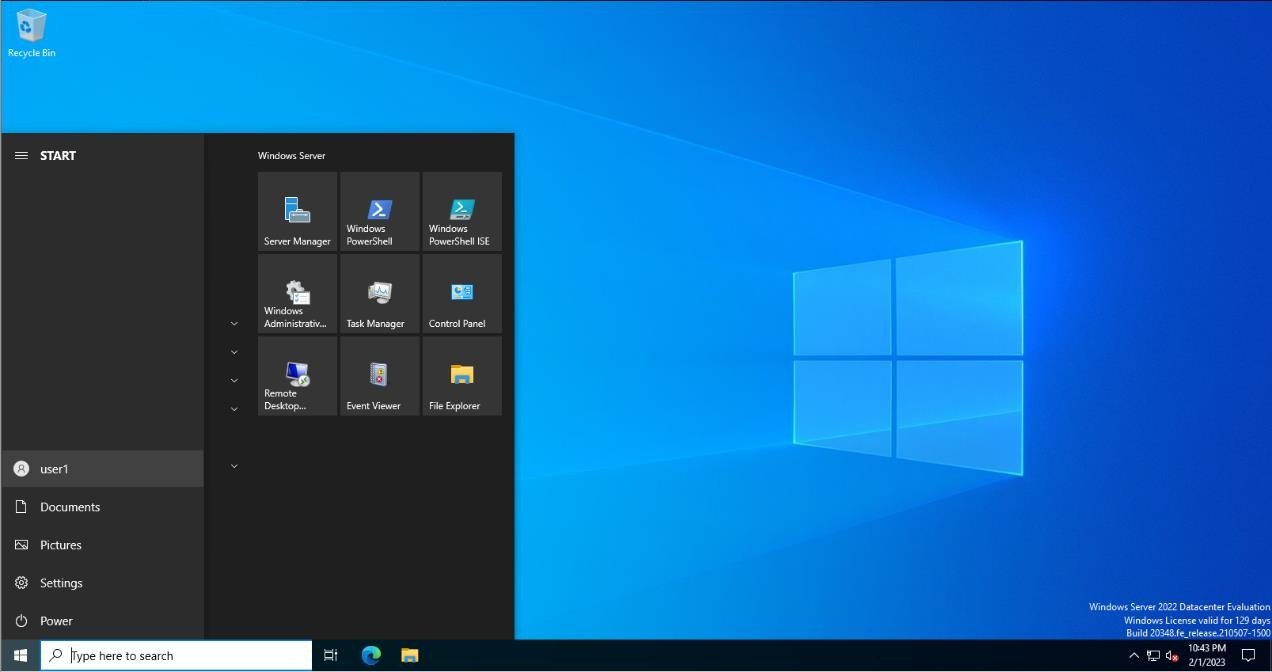
- 1. Login as User (User1@Microsoft.com) in Member Server or Client.